
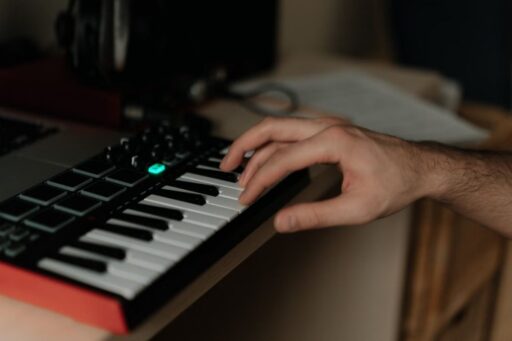
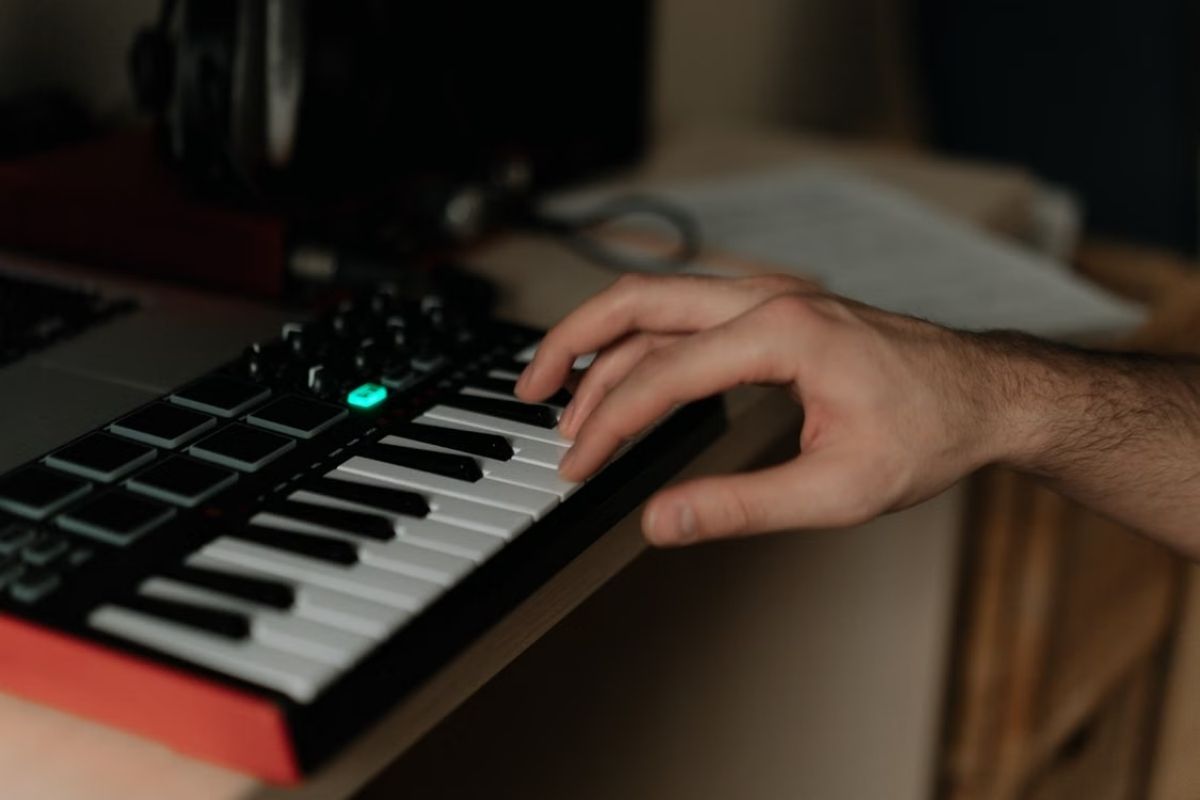

If you want to understand what is a MIDI keyboard, the key is to separate the physical keyboard from the sound it controls. This guide explains what it is, how it works, what you can do with it, and how it differs from regular keyboards and synthesizers.
What Is a MIDI Keyboard?
A MIDI keyboard is a keyboard-style controller that sends digital performance data to a computer, music production software, synthesizer, or other MIDI-compatible device. MIDI stands for Musical Instrument Digital Interface.
Unlike many traditional electronic keyboards, a MIDI keyboard usually doesn’t create sound on its own. Instead, pressing a key sends information such as the note played, how hard it was pressed, and how long it was held.
So, what is a MIDI controller keyboard? It is a physical tool for playing virtual instruments, recording melodies, controlling music software, and producing music more naturally than entering notes with a mouse or computer keyboard.
How Does a MIDI Keyboard Work?
A MIDI keyboard converts your key presses and other controls into digital MIDI messages that a computer, synthesizer, or music app can interpret. MIDI sends performance instructions rather than actual audio.
A typical setup follows this path:
MIDI keyboard → computer or MIDI device → music software → virtual instrument → sound
When you press a key, the keyboard sends a note-on message that identifies the note and often its velocity, or how hard you played it. Releasing the key sends a note-off message. Knobs, pads, pitch wheels, and pedals can also send MIDI data to control sounds and effects.
What Can You Do With a MIDI Keyboard?
The answer to what is a MIDI keyboard used for depends on the software and other equipment in your setup.
Its main role is to give you physical controls for entering musical information and interacting with digital instruments.
Common uses include:
- Play virtual instruments: Use a MIDI keyboard to play software-based instruments from your computer.
- Create melodies and chords: Enter musical ideas directly through the keys.
- Record performances: Capture MIDI notes so you can adjust their timing, pitch, or duration later.
- Create drum parts: Use the keyboard or available performance controls to enter drum patterns and samples.
- Control music software: Use assigned MIDI controls to adjust compatible functions in your music setup.
These functions explain “what is a MIDI controller keyboard” in practical music production, from note entry and recording to software control.
Common Features on a MIDI Keyboard
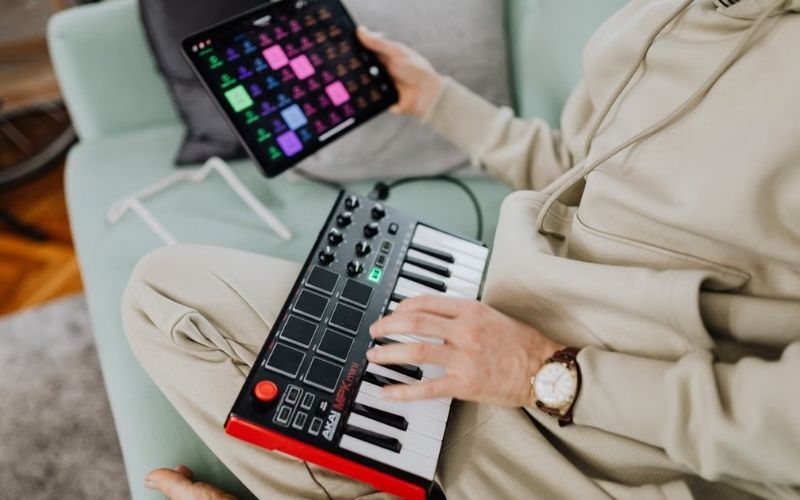
MIDI keyboards come in different configurations, so the available controls help show what is a MIDI keyboard beyond its keys. Common options include keys, pads, knobs, faders, and performance controls.
| Feature | What It Does |
| Keys | Play notes and chords |
| Velocity sensitivity | Detects how hard you play |
| Drum pads | Trigger drums and samples |
| Pitch-bend control | Raises or lowers pitch |
| Modulation wheel | Controls modulation or effects |
| Knobs | Adjust software parameters |
| Faders | Control volume or other settings |
| Transport controls | Control play, stop, record, etc. |
Some models also include aftertouch. What is aftertouch on a MIDI keyboard? It detects additional pressure after a key has been pressed and can control an assigned musical or software parameter.
>>> You might be interested in: How to Clean Keyboard Keys the Right Way (Step-by-Step Guide)
MIDI Keyboard vs Regular Keyboard vs. Synthesizer: What’s the Difference?
These instruments can all have piano-style keys, but they serve different roles in a music setup. The main difference is whether the instrument primarily acts as a controller or produces sound itself.
| Feature | MIDI Keyboard | Electronic Keyboard | Synthesizer |
| Built-in sounds | Usually no | Usually yes | Yes |
| Built-in speakers | Usually no | Often | Varies |
| Controls software | Yes | Sometimes | Often |
| Main purpose | MIDI control | Playing music directly | Creating and playing sounds |
| Needs another device for sound | Usually | No | No |
A MIDI keyboard is mainly designed to control external music software or MIDI equipment. An electronic keyboard is designed to function as a playable instrument on its own, while a synthesizer is built around generating and shaping sounds.
Some electronic keyboards and digital pianos can also send MIDI data, so they can sometimes work as a MIDI controller. Whether it can do so depends on its available MIDI connections and functions.
What MIDI Keyboard Size Do You Need?
The best MIDI keyboard size depends on your playing style, available space, and how much keyboard range you need. MIDI controllers commonly come with 25, 49, 61, or 88 keys.
| Keyboard size | Best for |
| 25 keys | Travel, small desks, simple melodies |
| 49 keys | General music production and chords |
| 61 keys | Two-handed playing and wider arrangements |
| 88 keys | Piano players and full-range compositions |
A 25-key model is compact and portable, while 49- and 61-key controllers balance playing range with desk space. An 88-key controller is better suited to piano-focused playing.
Also consider key action. MIDI keyboards may have unweighted, semi-weighted, or weighted keys, with weighted keys responding closer to an acoustic piano.
How to Use a MIDI Keyboard With a Computer
A basic setup shows what is a MIDI keyboard in everyday use: you connect it to a computer, select it in your music software, and use it to play or record virtual instruments.
- Connect the MIDI keyboard: Use USB or another supported MIDI connection.
- Open your DAW or music software: Launch the program you use for music production or recording.
- Select the MIDI input: Choose the connected keyboard as the input device if your software requires it.
- Load a virtual instrument: Select a piano, synthesizer, drum kit, or another software instrument.
- Test the connection: Press a key and confirm that the software receives MIDI input.
- Play or record: Once the input works, you can perform or record your MIDI notes.
A MIDI keyboard can receive power through USB in many modern setups, although power requirements vary by device and connection.
>>> Another helpful blog: Spotify vs Apple Music (2026): Which Works Best for You?
FAQs
These quick answers address common questions about using MIDI keyboards in different setups.
Can I use a MIDI keyboard as a piano?
Yes. A MIDI keyboard can play piano sounds through compatible software or a connected sound module. The keyboard itself typically does not produce the piano sound.
Can I use a normal keyboard as a MIDI?
Yes, if the keyboard supports MIDI output or a compatible USB MIDI connection. It can then send note data to a computer or other MIDI device.
Does a MIDI keyboard need a computer to work?
No. A MIDI keyboard can connect to another MIDI-compatible device, such as a synthesizer or sound module. A computer is only one possible setup.
Conclusion
Now that you know what is a MIDI keyboard, you can assess its role, controls, size, and connection options based on your music setup. If you plan to use virtual instruments or record MIDI, a controller can give you a more direct way to play notes.
For practical guides on technology and digital tools, visit Zeolearn for more useful insights.