

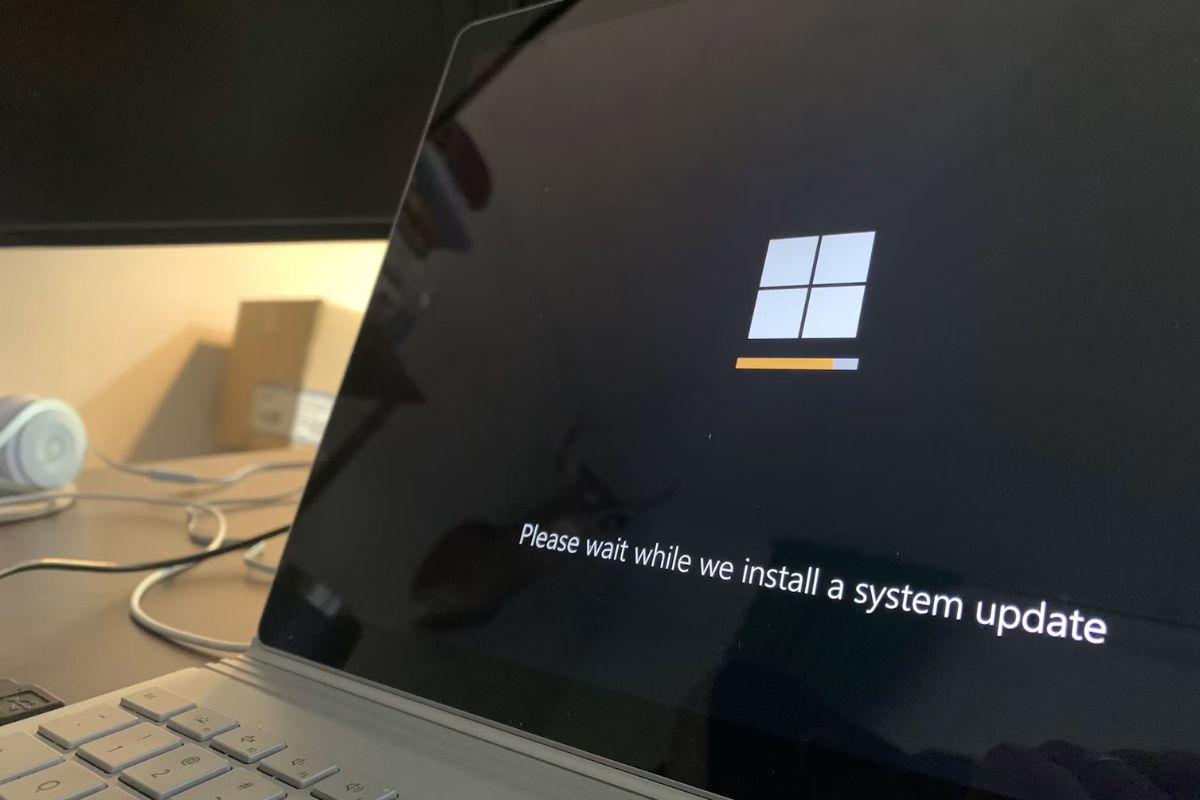

Windows updates are supposed to improve security and performance, but a failed installation can quickly become frustrating when error messages keep appearing.
If you’re searching for how to fix windows update error, the solution often comes down to identifying what’s blocking the update, whether it’s corrupted files, storage issues, or update service problems. This guide covers the most effective fixes to help get Windows Update working again.
Basic Fixes Before Advanced Troubleshooting
Before moving to advanced solutions for a Windows Update error, it’s important to rule out common issues that often cause update failures. These quick checks can resolve the problem without deeper system changes.
- Restart your computer
A simple restart clears temporary system glitches that may interrupt the Windows update process.
- Check your internet connection
A weak or unstable connection is one of the most common causes of Windows Update failure. Make sure your network is stable before trying again.
- Ensure enough storage space is available
Windows updates require free disk space to download and install properly. Low storage can cause updates to fail or freeze.
- Try running the update again after a few minutes
Sometimes update servers are temporarily busy. Waiting briefly can help the process complete successfully.
- Disconnect unnecessary external devices
USB drives or peripherals can occasionally interfere with system updates.
- Disable VPN or proxy temporarily
PN connections may block or slow down update downloads, leading to installation errors.
How to Fix Windows Update Error
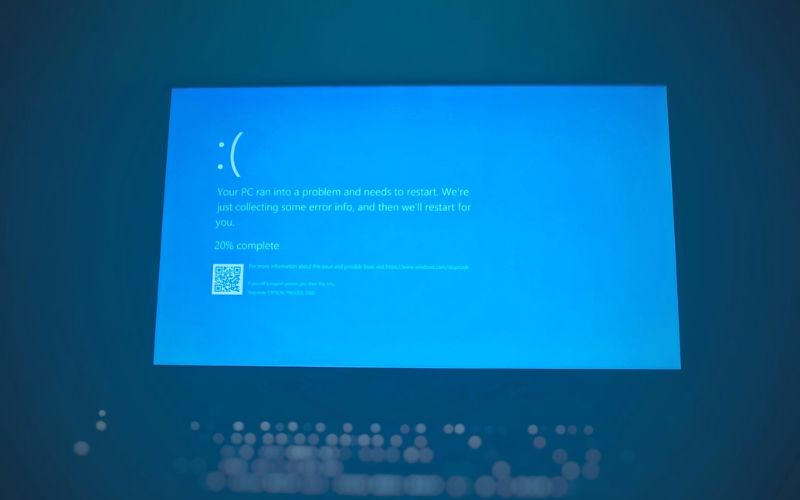
If the problem persists, work through the following solutions one at a time. Most users searching for fixing windows update error can resolve the issue using one of these methods.
Method 1: Run the Windows update troubleshooter
Microsoft includes a built-in troubleshooting tool designed specifically for update problems.
To run it:
- Open Settings.
- Select System.
- Click Troubleshoot.
- Choose Other Troubleshooters.
- Run Windows Update Troubleshooter.
The utility scans for typical problems and tries to fix them automatically.
Method 2: Clear the Windows update cache
If you’re learning how to fix Windows Update error, keep in mind that corrupted update files can stop future updates from installing properly.
To clear the cache:
- Press Windows + R.
- Type: services.msc
- Stop the Windows Update service.
- Navigate to: C:\Windows\SoftwareDistribution
- Delete the contents of the folder.
- Restart the Windows Update service.
This forces Windows to download fresh update files.
Method 3: Reset Windows update components
Resetting update components can restore normal functionality if the services become damaged.
Open Command Prompt as Administrator and run:
- net stop wuauserv
- net stop bits
- net start wuauserv
- net start bits
Restart the computer and try the update again.
Method 4: Repair corrupted system files
Damaged system files are one of the most common causes of update failures.
Open Command Prompt as Administrator and run: sfc /scannow
After the scan completes, run: DISM /Online /Cleanup-Image /RestoreHealth
These tools repair missing or corrupted Windows files that may interfere with updates.
Method 5: Install the update manually
If you’re looking for how to fix Windows Update error, manual installation can help. Download the correct update from the Microsoft Update Catalog and install it directly.
This approach is particularly useful when troubleshooting how to fix windows 11 update error situations involving a specific update package.
>>> Read more: How to Clean Laptop Screen Without Scratching or Damaging It
Common Causes of Windows Update Errors
Understanding the cause often makes how to fix windows update error much easier.
Common causes include:
- Corrupted system files
- Insufficient storage space
- Network connectivity issues
- Antivirus or security software conflicts
- Interrupted Windows Update services
- Damaged update cache files
- Driver compatibility problems
- Incomplete previous updates
In many cases, several of these factors interact. For example, a failed update may leave corrupted files behind, which then cause future updates to fail as well.
How to Fix Common Windows Update Error Codes
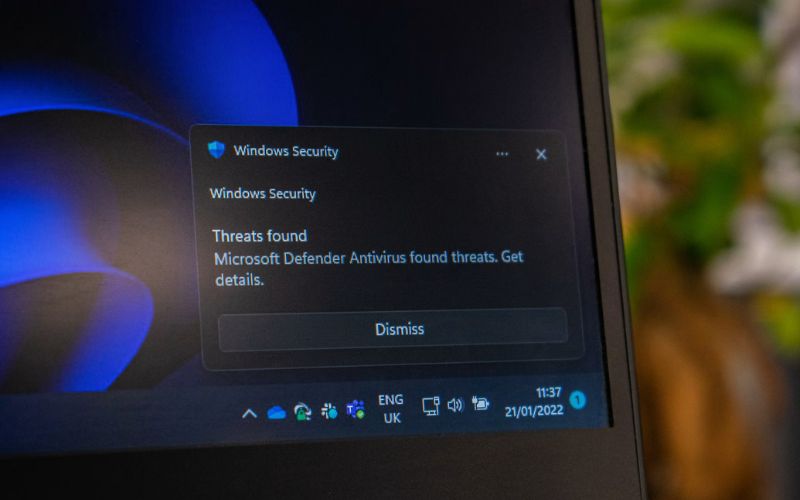
Some update failures display specific error codes. These codes provide clues about the underlying problem.
Error 0x8007371b
This error often points to missing or damaged system components required for the update process.
If you’re looking for how to fix windows update error 0x8007371b, start with:
- Running SFC and DISM scans
- Resetting Windows Update components
- Installing the update manually
These methods frequently resolve the issue.
Error 0x8007042b
This error commonly appears when installation processes are interrupted by software conflicts or corrupted files. For users searching how to fix windows 10 update error 0x8007042b, recommended solutions include:
- Performing a clean boot
- Running the Windows Update Troubleshooter
- Repairing system files
- Temporarily disabling third-party antivirus software
Other common update errors
While error codes vary, many update failures share similar root causes. In most situations, the following sequence works well:
- Run the troubleshooter.
- Repair system files.
- Clear the update cache.
- Reset update services.
- Install the update manually if necessary.
How to Prevent Future Windows Update Errors
Once you understand how to fix a Windows Update error, maintaining a few simple system habits can help prevent similar issues in the future. Most update failures are caused by outdated drivers, low storage, or interrupted installations.
- Keep device drivers updated
Outdated drivers can conflict with Windows updates and cause installation errors or system instability.
- Maintain sufficient free storage space
Windows updates require temporary space to download and unpack files. Low storage often leads to failed or incomplete updates.
- Monitor system health regularly
Periodic checks help detect disk errors or corrupted system files before they affect update performance.
- Install updates consistently
Delaying updates for long periods can lead to compatibility issues and larger cumulative update failures.
- Shut down Windows properly after updates
Avoid forced shutdowns during or immediately after updates to prevent corrupted installation processes.
- Avoid interrupting update installations
Interruptions during installation can lead to partial updates and repeated errors.
Regular system maintenance helps ensure smoother updates and reduces the likelihood of recurring Windows Update errors.
>>> Read more: Free Laptop With EBT: Reality Check & How to Get One in 2026
FAQs
Why does Windows update keep failing?
Repeated update failures are often caused by corrupted system files, damaged update components, software conflicts, or insufficient storage space.
Is it safe to manually install Windows updates?
Yes. Downloading updates directly from Microsoft’s official Update Catalog is generally safe and can help bypass update installation issues.
How to fix Windows 10 update error?
Start by running the Windows Update Troubleshooter, repairing system files with SFC and DISM, and clearing the update cache. These solutions resolve many Windows 10 update failures.
How do I fix the error code 0x8007045b?
Error 0x8007045b is often linked to update interruptions or corrupted system files. Running SFC, DISM, and the Windows Update Troubleshooter are good starting points.
How to fix a corrupted Windows update?
Delete cached update files, reset Windows Update components, and run system repair tools such as SFC and DISM. These steps can replace damaged files and restore normal update functionality.
Final Thought
Learning how to fix windows update error is often a process of identifying whether the problem comes from damaged files, update services, storage limitations, or software conflicts.
A clear pattern appears across most update failures. Corrupted components prevent updates from installing, failed installations create additional errors, and those errors continue until the underlying issue is repaired.