
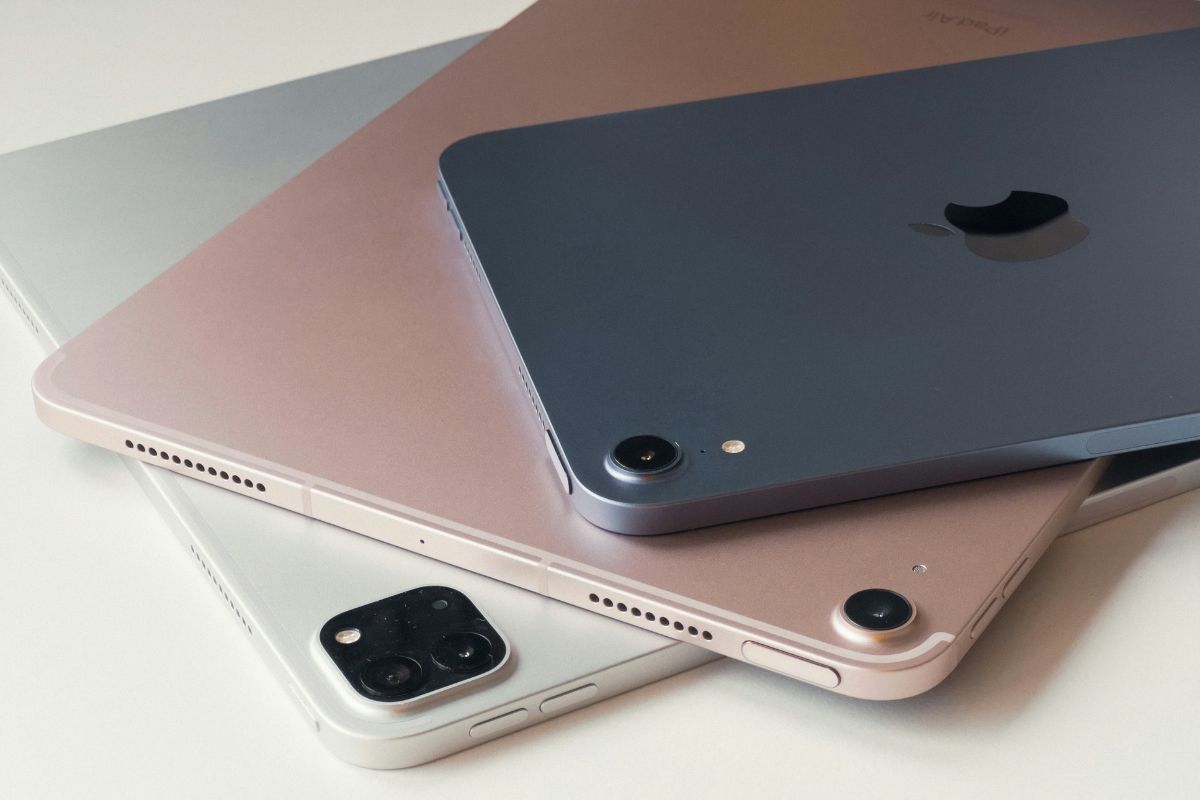

Apple and Samsung offer two distinct tablet experiences, especially when it comes to software, multitasking, accessories, storage, and ecosystem integration. The iPad vs Samsung tablet comparison in 2026 largely comes down to how you plan to use the device, from creative work and productivity to entertainment and everyday apps.
Zeo Learn takes a closer look at the key differences to help you decide which tablet better fits your priorities.
1. iPad vs Samsung Tablet: Quick Comparison
The main difference between iPad and Samsung tablets is their operating systems and flexibility. iPads offer seamless Apple ecosystem integration, while Samsung Galaxy Tabs provide more device choices, Android customization, and flexible multitasking.
| Category | iPad | Samsung Galaxy Tab |
| Operating system | iPadOS | Android with One UI |
| Popular models | iPad Pro, Air, standard iPad, mini | Galaxy Tab S12, S11, S10, A series |
| Ecosystem | Best with iPhone, Mac, and iCloud | Best with Galaxy devices and Windows |
| Multitasking | Advanced windowing on supported models | Split-screen, pop-up windows, Samsung DeX |
| Stylus | Apple Pencil, sold separately | S Pen on supported models, sometimes included |
| Storage | No microSD expansion | microSD support on selected models |
| Best for | Apple users, creative workflows, app integration | Android users, customization, flexible productivity |
>>> Read More: What’s the Difference Between an iPad and a Tablet? 9 Key Differences Explained
2. iPad vs Samsung Tablet: 10 Key Differences
When comparing iPad and Samsung tablet, the biggest differences involve price, performance, software, and flexibility. Here’s how both brands compare across 10 important factors.
1. Price and Product Range
Apple offers four main tablet families: iPad, iPad mini, iPad Air, and iPad Pro. Samsung provides a broader selection, from affordable Galaxy Tab A models to premium Galaxy Tab S devices.
Samsung generally offers more budget-friendly choices, while Apple maintains a more streamlined lineup.
2. Display Quality and Screen Experience
Premium iPads deliver sharp visuals, high brightness, and smooth refresh rates. Samsung’s flagship Galaxy Tabs often feature AMOLED displays with deep blacks and vibrant colors.
Both offer excellent screens, but display quality depends on the specific model and price.
3. Performance and Everyday Speed
Apple’s M-series iPads provide powerful performance for video editing, gaming, and demanding creative applications.
Samsung’s flagship tablets also handle multitasking and everyday productivity smoothly. For browsing, streaming, and studying, both platforms perform well, although demanding applications may reveal performance differences.
4. iPadOS vs Android With One UI
iPadOS integrates closely with Apple’s ecosystem, making file sharing and switching between iPhone, Mac, and iPad convenient.
Samsung’s Android-based One UI offers greater customization, flexible file management, and more control over default apps.
Choose iPad vs Samsung tablet based on your preferred operating system and existing devices.
5. Apps and Tablet-Optimized Software
iPads offer a strong selection of tablet-optimized creative and productivity applications, particularly for drawing, design, and video editing.
Samsung Galaxy Tabs support a wide range of Android apps, although some applications may be less optimized for larger displays.
Check essential app compatibility before purchasing.
6. Apple Pencil vs Samsung S Pen
Apple Pencil provides precise handwriting and drawing capabilities but usually requires a separate purchase.
Samsung’s S Pen is included with many premium Galaxy Tab models, potentially offering better accessory value.
Both support note-taking and creative work, although compatibility varies by device.
7. Multitasking and Laptop-Like Productivity
Samsung Galaxy Tabs support split-screen multitasking, floating windows, and Samsung DeX on compatible models.
Modern iPads also offer advanced multitasking and keyboard support.
Samsung emphasizes flexible desktop-style workflows, while iPad offers strong integration with Apple’s productivity applications.
8. Battery Life and Charging
Both iPads vs Samsung tablets can provide long battery life for browsing, streaming, and everyday tasks.
Actual endurance depends on usage, screen brightness, and device specifications. Some Galaxy Tab models support faster charging, so compare individual devices rather than brands alone.
9. Storage and File Flexibility
iPads have fixed internal storage, although cloud storage and external drives provide additional options.
Selected Samsung Galaxy Tabs support microSD expansion, allowing users to increase storage for downloaded content and personal files without replacing the device.
10. Software Support and Long-Term Ownership
Apple has a strong history of providing long-term iPadOS updates and security support.
Samsung also offers extended software updates on many newer Galaxy Tab models, although policies vary.
For long-term value, compare update commitments, battery health, and repair costs before buying.
3. iPad or Samsung Tablet: Which One Should You Choose?
Choose an iPad if you prioritize Apple ecosystem integration, tablet-optimized apps, and creative workflows. Choose a Samsung tablet if you prefer Android customization, flexible multitasking, and more budget options.
When deciding iPad vs Samsung tablet which is better, consider how you plan to use the device.
Choose an iPad If You:
- Already use an iPhone or Mac and want seamless device integration.
- Need tablet-optimized apps for drawing, video editing, or professional creative work.
- Prefer a streamlined operating system with long-term software support.
- Want reliable performance for school, work, or entertainment.
Choose a Samsung Tablet If You:
- Prefer Android customization and flexible file management.
- Want more affordable tablet options across different price ranges.
- Need desktop-style multitasking through Samsung DeX on supported models.
- Value expandable storage or an included S Pen on selected devices.
Ultimately, neither brand is better for everyone. An iPad may suit creative professionals and existing Apple users, while Samsung Galaxy Tabs offer greater flexibility for Android users and budget-conscious shoppers. Compare models within your budget before making a final decision.
>>> You might be interested in: How to Reset a Samsung Tablet: 4 Methods for Galaxy Tab
4. FAQs
Which Lasts Longer, an iPad or a Samsung Tablet?
Both can remain useful for several years with proper care, but longevity depends on the exact model and update policy. iPads have a strong track record for long software support, while newer premium Galaxy Tabs also receive extended Android and security updates.
What Are the Disadvantages of iPad Over Android Tablets?
iPads offer less system customization, no microSD expansion, and more limited file-management flexibility than many Android tablets. Accessories such as the Apple Pencil and Magic Keyboard may also add considerable cost depending on the model.
What Samsung Tablet Is Comparable to an iPad?
Galaxy Tab S flagship models are the closest match to higher-end iPad Air and iPad Pro devices, while Galaxy Tab FE and A-series tablets compete more closely with standard iPads in everyday use. Exact comparisons should consider price, screen size, performance, storage, and accessory support.
5. Final Thoughts
When comparing iPad vs Samsung tablet in 2026, the best choice depends on your budget and everyday needs. iPads stand out for Apple ecosystem integration and creative apps, while Samsung tablets offer more flexibility, affordable options, and customization.
Consider how you’ll use your tablet, which apps matter most, and how much you’re willing to spend before making your decision.