
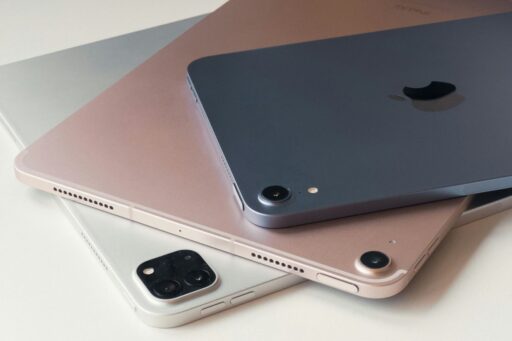
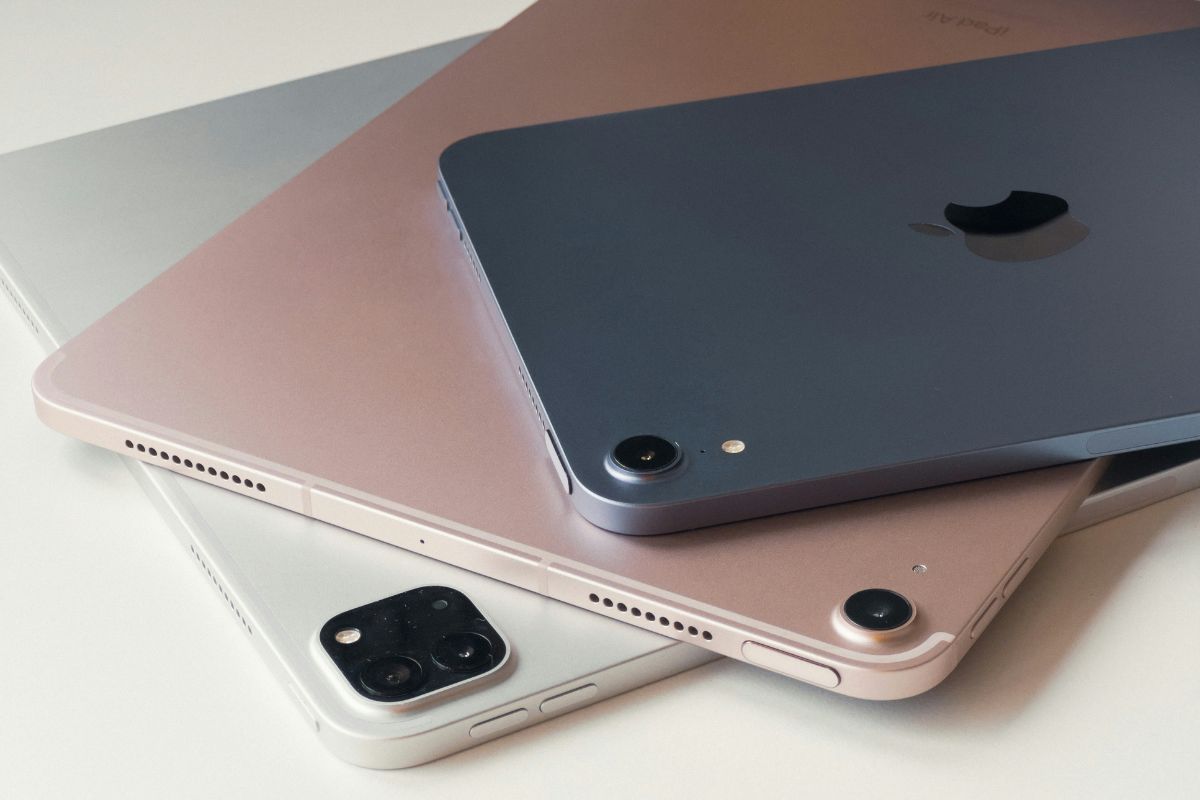

At first glance, iPads and other tablets can look very similar, but the experience can differ significantly once you start using them. So, what’s the difference between an iPad and a tablet?
Key distinctions include the operating system, app selection, hardware options, accessories, price, and compatibility with other devices. Zeo Learn breaks down these differences to help you compare the options more easily.
What’s the Difference Between an iPad and a Tablet: Quick Comparison
An iPad is a tablet made by Apple, while “tablet” is a general term for touchscreen computers made by different companies. The main differences are the operating system, app ecosystem, hardware choices, price range, accessories, and compatibility with other devices.
| Feature | iPad | Other Tablets |
| Manufacturer | Apple | Samsung, Lenovo, Microsoft, Amazon, and others |
| Operating system | iPadOS | Usually Android, Windows, or Fire OS |
| App ecosystem | Apple App Store with strong tablet optimization | Varies by platform and manufacturer |
| Hardware options | Smaller, curated model range | Wider variety of sizes, specs, and designs |
| Accessories | Apple Pencil, Magic Keyboard, and compatible accessories | Styluses, keyboards, and accessories vary by brand |
| Device integration | Strong integration with iPhone, Mac, Apple Watch, and iCloud | Best integration depends on the brand and ecosystem |
| Customization | More controlled interface and system settings | Android models usually offer broader customization |
| Pricing | Often mid-range to premium | Available across budget, mid-range, and premium tiers |
| Best suited for | Apple ecosystem users, creative work, study, and productivity | Buyers wanting more price, hardware, or software choices |
The key difference: iPad refers specifically to Apple’s tablet lineup, while tablet describes a broader category of touchscreen devices.
Is an iPad a Tablet?
Yes, an iPad is a tablet. The word “tablet” describes a category of portable touchscreen computers, while iPad is the name Apple uses for its tablet lineup. iPads run iPadOS and are designed for tasks such as browsing the web, streaming, studying, gaming, drawing, and productivity.
Other tablets are made by brands such as Samsung, Lenovo, Amazon, and Microsoft and may use Android, Fire OS, or Windows. They can offer different screen sizes, hardware, prices, and software features.
The simplest way to remember what’s the difference between an iPad and a tablet: an iPad is a specific type of tablet, but a tablet does not have to be an iPad.
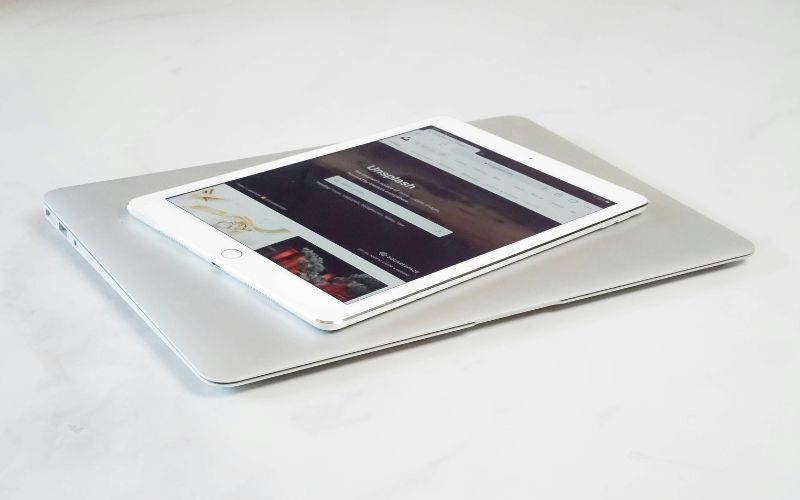
>>> Read More: How to Connect AirPods to Laptop: 2026 Windows & Mac Guide
iPad vs Tablet: 9 Key Differences Explained
Several differences become clearer once you look beyond screen size and basic touchscreen features. Software, hardware variety, accessories, pricing, productivity tools, and ecosystem integration can all shape the experience you get from each device.
Difference #1: iPad Is a Product Family. Tablet Is a Device Category
iPad refers specifically to Apple’s line of tablets, including models such as iPad, iPad Air, iPad mini, and iPad Pro. Tablet is a broader category that includes devices from Samsung, Lenovo, Microsoft, Amazon, and many other manufacturers with different designs and software.
Difference #2: iPadOS vs. Other Tablet Operating Systems
iPads run iPadOS, Apple’s operating system designed for larger touchscreens. Other tablets may use Android, Windows, Fire OS, or manufacturer-specific interfaces. Software choice affects app availability, settings, multitasking features, file handling, and how closely the tablet works with other devices.
Difference #3: App Experience and App Stores
iPads use Apple’s App Store, where many apps are optimized specifically for larger screens. Other tablets rely on stores such as Google Play, Microsoft Store, or Amazon Appstore. When asking what’s the difference between an iPad and a tablet, app quality and availability are important factors.
Difference #4: One Apple Lineup vs. a Wider Hardware Market
Apple offers a relatively focused range of iPad models with controlled hardware and software integration. Other tablet brands provide a much wider selection of screen sizes, processors, storage options, ports, rugged designs, and specialized features, giving buyers more flexibility across different use cases.
Difference #5: Price and Budget Flexibility
iPads usually sit within Apple’s defined price tiers, ranging from standard models to premium Pro versions. Tablets overall cover a much wider price spectrum, from basic budget devices for streaming and reading to high-end Windows or Android models designed for professional productivity.
Difference #6: Stylus and Keyboard Experience
Apple supports accessories such as Apple Pencil and Magic Keyboard on compatible iPads, creating a consistent setup for drawing, note-taking, and typing. Other tablets may support S Pen, Surface Pen, detachable keyboards, or third-party accessories, with compatibility and performance varying between manufacturers.
Difference #7: Customization and File Management
Android and Windows tablets generally allow more interface customization and broader access to files and folders. iPadOS offers a more controlled environment with the Files app and Apple-designed workflows. Which approach feels better depends on whether simplicity or deeper system control matters more.
Difference #8: Multitasking and Productivity
Both iPads and other tablets can support split-screen work, keyboards, cloud apps, and multiple windows, but capabilities vary by operating system and model. Some Windows tablets behave more like traditional laptops, while iPads combine touch-focused controls with increasingly advanced productivity features.
Difference #9: The Ecosystem Around the Tablet
iPads integrate closely with devices and services such as iPhone, Mac, Apple Watch, AirPods, iCloud, and AirDrop. Other tablets may connect more naturally with Android phones, Windows PCs, Samsung devices, or brand-specific ecosystems. Existing devices can therefore influence which tablet feels more convenient.
Things to Consider Before Buying an iPad or Tablet
Now that you understand what’s the difference between an iPad and a tablet, the next step is to consider which features fit your needs. Budget, operating system, screen size, accessories, storage, and compatibility can all affect your choice.
- Budget: Include the cost of accessories such as a keyboard, stylus, case, cloud storage, or cellular service.
- Operating system: Check that your essential apps work with iPadOS, Android, Windows, or Fire OS.
- Screen size: Choose a larger display for drawing, multitasking, and documents, or a smaller one for portability.
- Accessories: Make sure the tablet supports the keyboard, stylus, mouse, or other accessories you need.
- Storage: Choose enough space for your apps, photos, videos, and files, especially if you do not rely heavily on cloud storage.
- Device compatibility: Consider how well the tablet works with your existing phone, computer, and cloud services.
These factors can help narrow your choices without comparing every specification.
Looking Beyond Retail Prices? Another Way to Get a Tablet
If the upfront cost of a tablet is a concern, buying at full retail price is not the only option. Eligible households may qualify for Lifeline, which can lower the cost
Lifeline is a federal assistance program for qualifying low-income consumers. Eligibility generally comes through:
- Income: Household income is at or below 135% of the Federal Poverty Guidelines.
- Qualifying programs: Participation in programs such as SNAP, Medicaid, SSI, Federal Public Housing Assistance, Veterans Pension or Survivors Benefit, or certain Tribal programs.
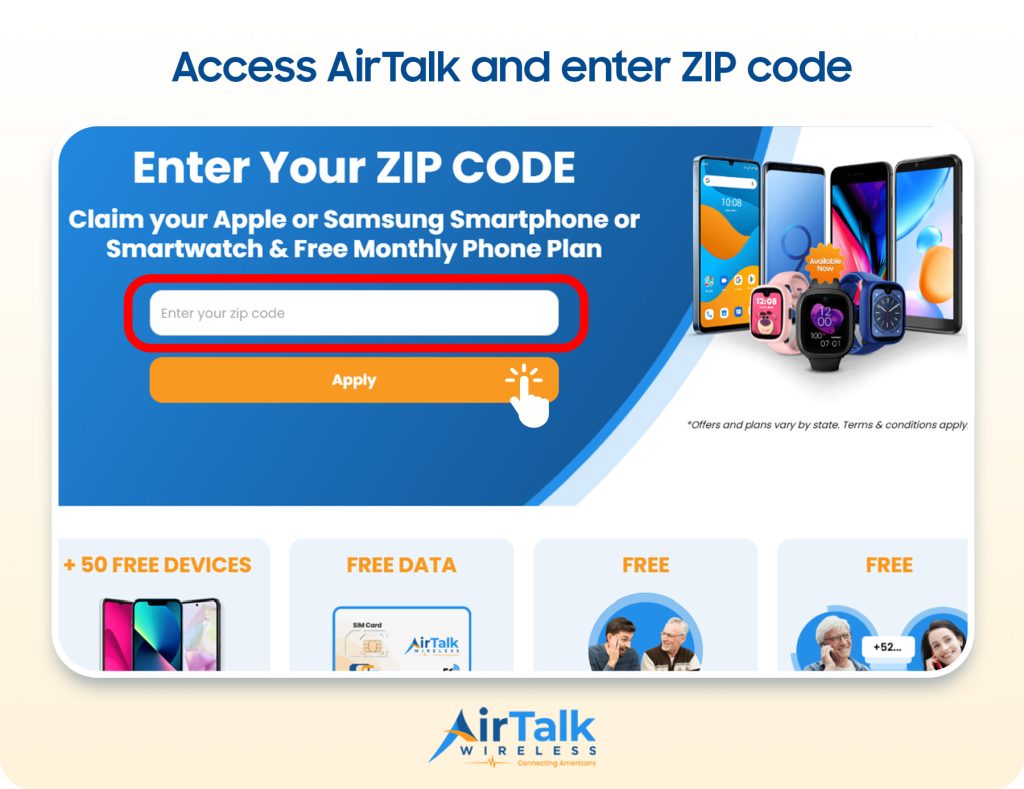
AirTalk Wireless offers Lifeline-supported service to eligible customers. The Lifeline benefit applies to qualifying service, while device discounts are separate provider offers. Tablet options, pricing, and availability can vary by location and current inventory.
Some tablet options currently listed by AirTalk include:
- Clovertek G17: A tablet for everyday browsing, streaming, studying, and app use.
- Apple iPad 7: A larger-screen option for reading, schoolwork, entertainment, and general productivity.
- TCL TAB 8 LE: A compact tablet suited to browsing, streaming, communication, and light productivity.
- Samsung Galaxy Tab E: An option for everyday apps, web browsing, reading, and media.
- ASUS ZenPad Z10: A larger-format tablet suitable for browsing, videos, documents, and everyday tasks.
Device offers are not guaranteed and may change based on eligibility, ZIP code, location, stock, and current promotions. Check the available options for your location before choosing a device.
6. FAQs
Which is better, a tablet or an iPad?
Neither is automatically better for everyone. iPads are strong for Apple ecosystem integration and tablet-optimized apps, while other tablets may offer more price choices, hardware variety, ports, customization, or desktop-style features.
What can an iPad do that a tablet cannot?
iPads can take advantage of Apple-specific features such as AirDrop, iCloud integration, Sidecar, and close connectivity with iPhone and Mac. Other tablets may offer comparable functions through Android, Windows, or manufacturer-specific ecosystems, but the experience will be different.
What are the disadvantages of an iPad?
Common drawbacks include higher prices on some models, limited hardware customization, restricted file access compared with many Windows devices, and the cost of optional accessories. Users outside the Apple ecosystem may also get less value from some integration features.
What do you use a tablet for?
Tablets are useful for browsing, streaming, reading, video calls, note-taking, drawing, gaming, schoolwork, document editing, and light productivity. Higher-end models can also handle multitasking, keyboard-based work, and creative applications that once required a laptop.
7. Final Thoughts
Choosing between an iPad and another tablet depends on what you expect from the device and how much you want to spend. When comparing what’s the difference between an iPad and a tablet, consider the operating system, available apps, accessories, performance, and compatibility with devices you already use.
Matching these factors to your daily needs can make the decision easier. Explore Zeo Learn for more practical tech comparisons and buying guides.