



Finding the best tablet for taking handwritten notes can make studying, working, and organizing ideas much easier. But with so many options, choosing one that offers smooth stylus performance, accurate handwriting recognition, and reliable battery life isn’t always simple.
This guide compares 8 tablets worth considering, helping you find the right fit for your notes, budget, and daily routine.
8 Best Tablets for Handwritten Notes in 2026
When asking what is the best tablet for taking handwritten notes, consider where those notes need to go after you write them. These eight options balance writing comfort, document handling, and app access differently, from versatile tablets to focused digital notebooks.
| Tablet | Main Strength | Key Consideration |
| iPad Air (M4) | Flexible app workflows | Pencil sold separately |
| Galaxy Tab S11 | Android multitasking | Premium positioning |
| reMarkable Paper Pro | Focused color annotation | Limited app ecosystem |
| Galaxy Tab S10 Lite | Everyday study notes | Modest performance |
| BOOX Note Air5 C | Android on color E Ink | App responsiveness varies |
| Kindle Scribe | Reading and notebooks | Generation differences |
| Supernote Manta | Organized handwritten notebooks | Writing-focused platform |
| XPPen Magic Note Pad | Textured LCD writing | Different from E Ink |
Apple iPad Air (M4)
The iPad Air (M4) combines responsive handwriting with versatile productivity apps, making it ideal for students and professionals. It supports Apple Pencil Pro and Apple Pencil USB-C for note-taking, PDF annotation, and sketching.
Its biggest advantage is app flexibility, allowing users to organize notes alongside research and everyday tasks. However, the stylus is sold separately, increasing the overall cost.
Samsung Galaxy Tab S11
The Samsung Galaxy Tab S11 features an 11-inch display and an included S Pen, making it convenient for handwritten notes, diagrams, and document annotation. Its Android ecosystem supports multitasking between note-taking and research apps.
Samsung’s built-in productivity tools add flexibility, although its premium positioning may be unnecessary for users who only need basic note-taking.
reMarkable Paper Pro
The reMarkable Paper Pro features an 11.8-inch color E Ink display and adjustable reading light, creating a focused environment for handwriting, sketching, and document annotation.
Its distraction-free interface makes it particularly appealing for students and professionals who prefer digital notebooks over conventional tablets. However, limited third-party app support and certain subscription-dependent features may restrict broader productivity workflows.
Samsung Galaxy Tab S10 Lite
The Samsung Galaxy Tab S10 Lite offers an included S Pen and practical handwriting features for lecture notes, study materials, and PDF annotation. Its Android app support also makes it useful for browsing, reading, and everyday tasks.
While less powerful than flagship Samsung tablets, it provides a more accessible option for students who prioritize comfortable note-taking over demanding multitasking.
BOOX Note Air5 C
The BOOX Note Air5 C combines a 10.3-inch color E Ink display with Android 15, supporting handwritten notes, document reading, and compatible third-party apps. Its included Pen3 and expandable storage add convenience.
The E Ink screen provides a different writing experience from traditional tablets, but slower refresh behavior may affect certain apps and multitasking activities.
Kindle Scribe
The Kindle Scribe combines ebook reading with handwritten notebooks, making it appealing for readers who regularly take notes, organize ideas, or annotate supported documents.
Its writing-focused features help minimize distractions compared with conventional tablets. However, capabilities vary between generations, and its limited productivity app ecosystem makes it better suited for reading-centered workflows than extensive multitasking.
Supernote Manta
The Supernote Manta is designed for people who prioritize handwritten notes, document organization, and long-term digital notebooks. Its FeelWrite 2 writing surface and support for PDF, EPUB, and Word documents make it useful for focused work.
Its specialized interface encourages distraction-free writing, although limited entertainment features and third-party apps may not suit users seeking an all-purpose tablet.
XPPen Magic Note Pad
The XPPen Magic Note Pad features a textured LCD screen, 90 Hz refresh rate, and X3 Pro Pencil 2 for handwriting, drawing, and document annotation.
Unlike E Ink devices, its conventional display supports smoother interaction with everyday apps. It’s a practical option for users seeking a paper-inspired writing experience without sacrificing traditional tablet responsiveness.
>>> Read More: Best Tablet for Students With Pen in 2026: 10 Top Picks
How to Choose the Best Tablet for Handwritten Notes
Smooth handwriting matters, but useful notes also need to be searchable, organized, and easy to share. The best tablet for taking handwritten notes should fit both your writing habits and the work that follows.
Stylus Performance and Writing Experience
Choose a tablet with an active stylus, accurate handwriting recognition, and reliable palm rejection. Low writing latency helps notes feel natural, while a textured screen may provide a more paper-like experience.
Compare stylus compatibility and whether the pen is included or sold separately.
Note-Taking Apps, Storage, and Battery Life
Check compatibility with apps like Goodnotes, OneNote, or Samsung Notes. Look for handwriting search, PDF annotation, and convenient cloud syncing.
Prioritize sufficient storage and battery life for classes or meetings. Consider the total cost, including the stylus, accessories, and optional subscriptions.
E Ink vs. Regular Tablets: Which Is Better for Handwriting?
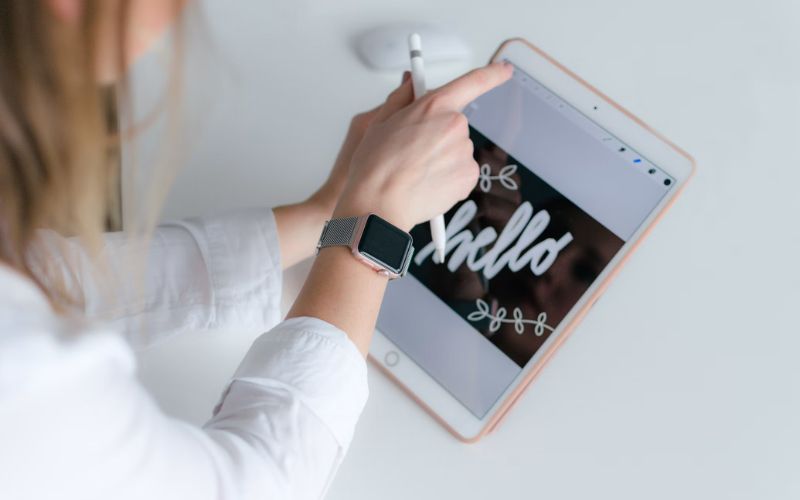
E Ink notebooks and conventional tablets can both support handwriting, but they suit different routines. Compare the writing surface, app flexibility, and battery demands against whether you mainly write or regularly switch between other tasks.
| Feature | E Ink Tablet | LCD/OLED Tablet |
| Writing feel | Often textured; varies by model | Usually smooth glass; textured options exist |
| Note-taking apps | Limited on dedicated notebooks; broader on Android models | Generally wider selection |
| Battery life | Often longer; usage matters | Usually measured in active-use hours |
| Reading | Strong for static pages | Better for colorful, interactive material |
| Multitasking | More limited on dedicated devices | Generally more flexible |
| Best for | Focused writing and reading | Notes, studying, and everyday tasks |
>>> Read More: Best Tablet for Movies: 10 Options for a Better Streaming Experience
How to Save Money on a Tablet for Notes and Daily Tasks
A premium tablet with advanced stylus features can be useful, but it isn’t always necessary. If you mainly read PDFs, review documents, type notes, or manage everyday tasks, a more affordable tablet may be enough.
That’s where AirTalk Wireless offers another option. As a participating Lifeline provider, AirTalk helps eligible households access discounted wireless service while offering separate tablet promotions from popular brands like Apple, Samsung, and TCL.
Depending on current promotions, eligible customers may find free or discounted tablets, with availability varying by location and inventory. While these devices may not offer the same handwriting capabilities as premium models, they can still support reading, digital organization, and everyday productivity.
The Lifeline program itself provides a monthly communications service discount, not a guaranteed free tablet.
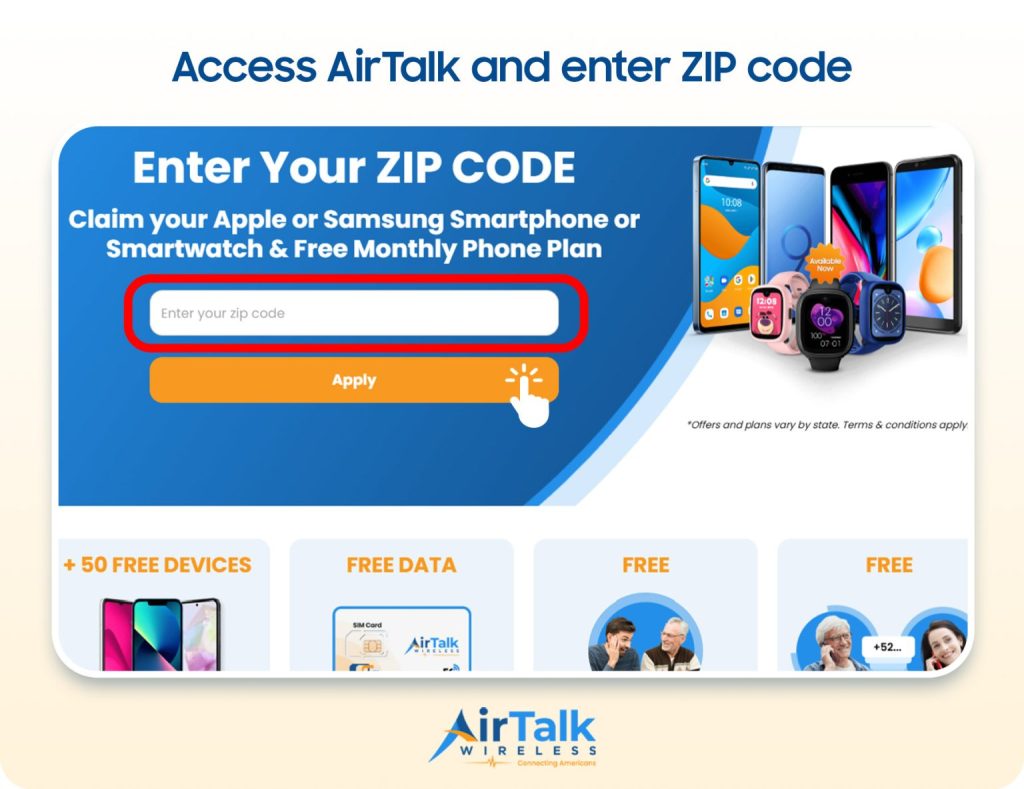
Explore AirTalk Wireless tablet offers and enter your ZIP code to see what’s available in your area.
FAQs
Is an iPad or Samsung tablet better for handwritten notes?
Both can work well when paired with a compatible pen and a suitable app. An iPad may suit your existing Apple workflow, while Samsung models with an included S Pen can simplify the purchase, so compare app features, export options, and total cost.
Can tablets convert handwriting into typed text?
Yes, many note-taking apps and tablet platforms offer handwriting-to-text conversion, although support varies by device, app, and language. Recognition accuracy depends partly on handwriting clarity, so review converted text, especially names, equations, and technical terms.
Do I need an Apple Pencil to take handwritten notes on an iPad?
No, some compatible third-party styluses support handwritten input, and basic capacitive pens can work like a finger. However, precision, palm rejection, pressure sensitivity, and other features vary, so confirm compatibility with your exact iPad and app before buying.
Do you need an expensive tablet to take handwritten notes?
No, a less expensive tablet can handle everyday handwriting if it supports a suitable active pen and your preferred apps. Prioritize reliable palm rejection, responsive writing, and software support, then include accessories and subscriptions when comparing prices.
6. Final Thoughts
Great note-taking goes beyond smooth handwriting. The right device should help you capture ideas naturally, organize information efficiently, and access important notes whenever you need them.
Your best tablet for taking handwritten notes will depend on stylus performance, display comfort, software features, and how well everything fits your daily routine. For more practical tablet comparisons, buying advice, and productivity tips, explore other helpful guides from Zeo Learn.