

Choosing between an iPad and an Android tablet can be frustrating when both seem capable of handling your everyday needs. One may offer a smoother app experience, while the other provides more choices at different prices.
The iPad vs Android tablet debate isn’t just about Apple versus Google. This guide breaks down 10 important differences, helping you decide which option better fits your budget, daily activities, and long-term needs.
1. iPad vs Android Tablet: Which Is Better? (Quick Answer)
iPads are generally better for Apple users seeking a consistent app experience and seamless device integration, while Android tablets offer more variety, customization, and budget-friendly options.
Neither is universally better, so your choice depends on your needs.
| Feature | iPad | Android Tablet |
| Ecosystem | Seamless Apple integration | Google, Samsung, and other ecosystems |
| Apps | Strong tablet-optimized selection | Quality varies by app and device |
| Hardware | Limited to Apple models | Wide range of brands |
| Price | Budget entry models to premium | Ultra-budget to premium |
| Customization | More controlled | More flexible |
| Best for | Apple users, creative workflows | Budget flexibility, device choice |
2. iPad vs Android Tablet: 10 Differences
The main differences between iPad and Android tablets include price, apps, customization, multitasking, storage, and software support. Here’s how they compare and what each difference means for buyers.
2.1. Price: One Android Category Doesn’t Exist
iPads range from entry-level to premium models, while Android tablets offer a wider selection across nearly every budget. However, performance and build quality vary significantly between Android brands, so compare specific models rather than platforms alone.
2.2. Apps: Count Quality, Not Just Quantity
Both platforms have extensive app libraries, but iPads generally offer more tablet-optimized creative and productivity apps. Android app quality varies by developer and device, although many popular apps work well on both platforms.
2.3. Customization: How Much Control Do You Want?
Android offers greater flexibility with launchers, widgets, default apps, and interface settings. iPadOS provides a more controlled experience with consistent integration across Apple devices. Your preference depends on how much personalization you want.
2.4. Multitasking: Can It Handle Your Real Workflow?
Both platforms support multitasking, including working across multiple apps. Some Android tablets offer desktop-style interfaces, while iPads provide their own advanced windowing features. Compare the actual multitasking tools available on your chosen model.
2.5. File Management: Where Will Your Files Live?
Android generally offers more flexible local file management and transfers. iPads use the Files app for local storage, external drives, and cloud services. Android may suit frequent file transfers, while either platform can handle cloud-based workflows.
2.6. Storage: Fixed Capacity vs. Expandable Options
iPads have fixed internal storage, although external drives and cloud storage provide alternatives. Some Android tablets support microSD expansion, offering more affordable storage flexibility. Check the exact model before buying.
2.7. Stylus: Apple Pencil vs. Android Pen Options
Apple Pencil support depends on the iPad model, while Android tablets use compatible pens such as Samsung’s S Pen. For handwriting or drawing, compare pressure sensitivity, palm rejection, app support, and whether the stylus costs extra.
2.8. Accessories: The Tablet Price Isn’t the Setup Price
Keyboards, styluses, cases, and other accessories can increase the total purchase price. When comparing an iPad vs Android tablet, calculate the cost of your complete setup rather than comparing tablet prices alone.
2.9. Software Support: Think Beyond Launch Day
Apple has historically supported iPads with updates for several years. Android update commitments vary by manufacturer, with some premium models receiving extended support. Check each device’s update policy if you plan to keep it long-term.
2.10. Repair, Resale, and Long-Term Ownership
iPads often retain relatively strong resale value, while Android resale prices vary by brand and model. Repair costs, warranty coverage, and battery replacement options also affect long-term value.
>>> Read More: What’s the Difference Between an iPad and a Tablet? 9 Key Differences Explained
3. What Are the Pros and Cons of iPads and Android Tablets?
iPads offer a consistent user experience, strong app support, and long-term value, while Android tablets stand out for affordability, customization, and device variety. However, both have limitations worth considering.
iPad Pros and Cons
| Pros | Cons |
| Strong integration with Apple devices | Fewer budget-friendly options |
| Wide selection of tablet-optimized apps | Apple Pencil and keyboards often cost extra |
| Established software support and resale value | No microSD storage expansion |
| Strong creative and productivity tools | Less interface customization |
Android Tablet Pros and Cons
| Pros | Cons |
| Wide range of prices and models | Software updates vary by manufacturer |
| Greater customization flexibility | Some apps lack tablet-optimized layouts |
| Expandable storage on select models | Performance varies widely among budget models |
| More hardware and accessory choices | Resale value varies considerably |
Bottom line: So, iPad vs Android tablet which one to choose?
- Choose an iPad if app optimization and Apple integration matter most.
- Consider an Android tablet if you prioritize price flexibility, customization, or specific hardware features.
4. Want an Android Tablet or iPad Without Paying Premium Prices?
Decided between an iPad vs Android tablet but still worried about the price? You may have more affordable options than buying directly from a retail store.
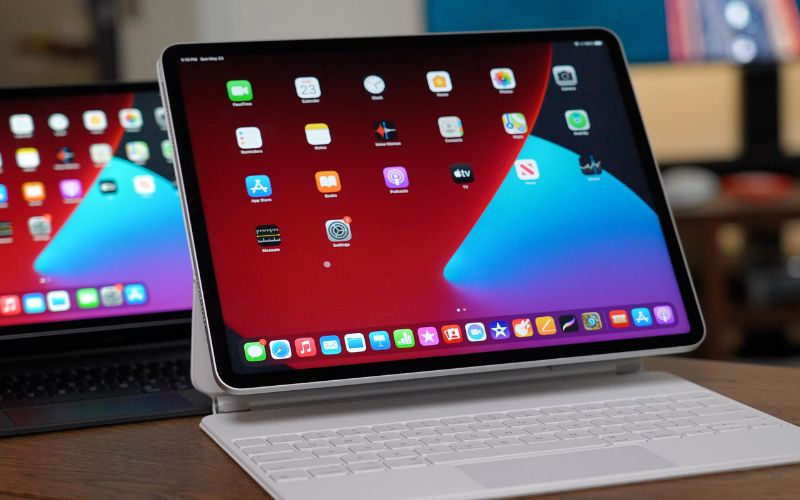
For qualifying low-income households, AirTalk Wireless offers discounted tablets alongside Lifeline-supported wireless service. Depending on location and availability, you can explore Apple and Android options such as:
| Tablet | Why Consider It? |
| Apple iPad 7 | Apple apps, 10.2-inch display, and everyday productivity |
| Samsung Galaxy Tab E | Affordable Android option for browsing and entertainment |
| TCL TAB 8 LE | Compact design with cellular connectivity |
| Clovertek G17 | Budget-friendly tablet for basic daily activities |
| ASUS ZenPad Z10 | Larger Android display for reading and videos |
Larger Android display for reading and videos
Who can qualify? You may be eligible for Lifeline through SNAP, Medicaid, SSI, or household income at or below 135% of the Federal Poverty Guidelines.
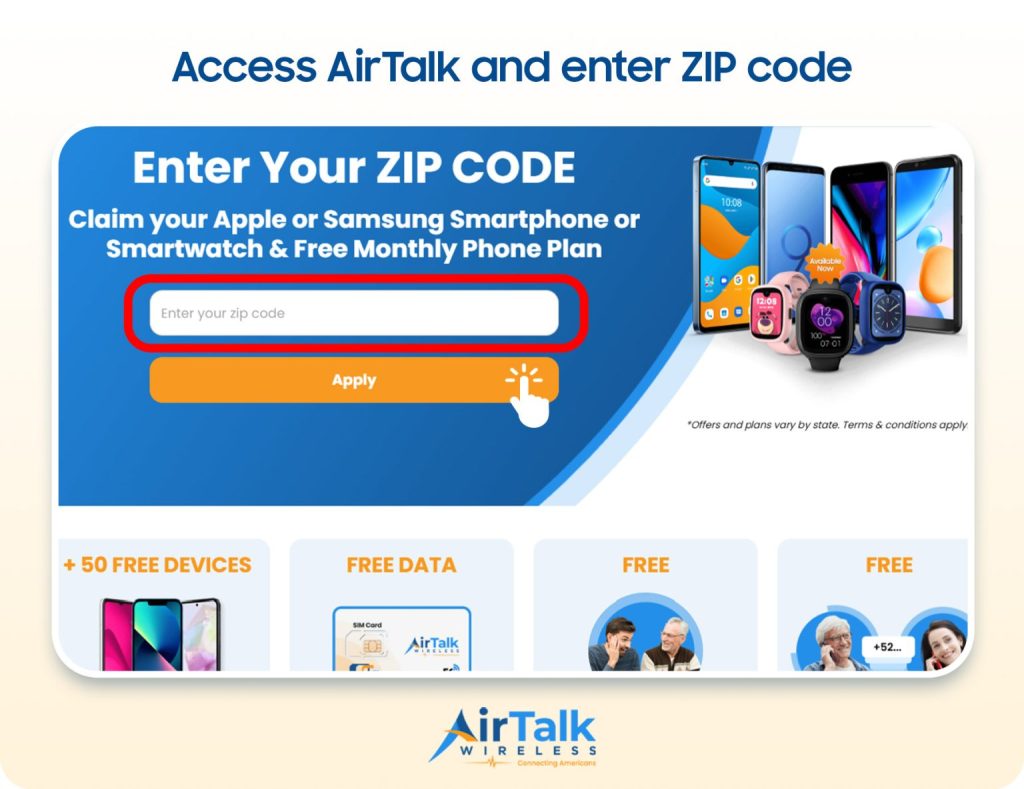
Getting started is simple. Enter your ZIP code, compare available tablet offers and service plans, then complete the application and eligibility verification.
Tablet promotions are separate from Lifeline’s monthly service discount. Prices, inventory, and availability vary by location.
>>> You might be interested in: Best Tablet Under 100$ in 2026: 10 Picks Worth Buying
5. FAQs
Which tablet is easier to use?
iPads can feel easier for existing iPhone users because iPadOS follows familiar Apple design patterns and integrates smoothly with other Apple devices. Android tablets are also user-friendly, although interfaces and features can differ between manufacturers.
What are the disadvantages of iPad over Android tablets?
iPads offer fewer hardware choices, limited system customization, and generally no microSD storage expansion. Apple accessories can also increase the overall cost, while Android buyers can choose from considerably more brands, specifications, screen sizes, and price ranges.
Do Android tablets last longer than iPads?
Not necessarily. Tablet lifespan depends on build quality, battery health, usage, and software support. Apple typically provides years of iPadOS updates, while Android update policies vary by manufacturer, making the specific model more important than the platform.
6. Final Thoughts
Your ideal tablet should fit naturally into your budget, workflow, and existing tech ecosystem. The iPad vs Android tablet debate has no universal winner: iPads excel in ecosystem integration and optimized apps, while Android tablets stand out for variety, customization, and flexible pricing.
Compare the features that matter most to your daily routine before buying. For clearer tech comparisons and practical buying guidance, turn to Zeo Learn.