
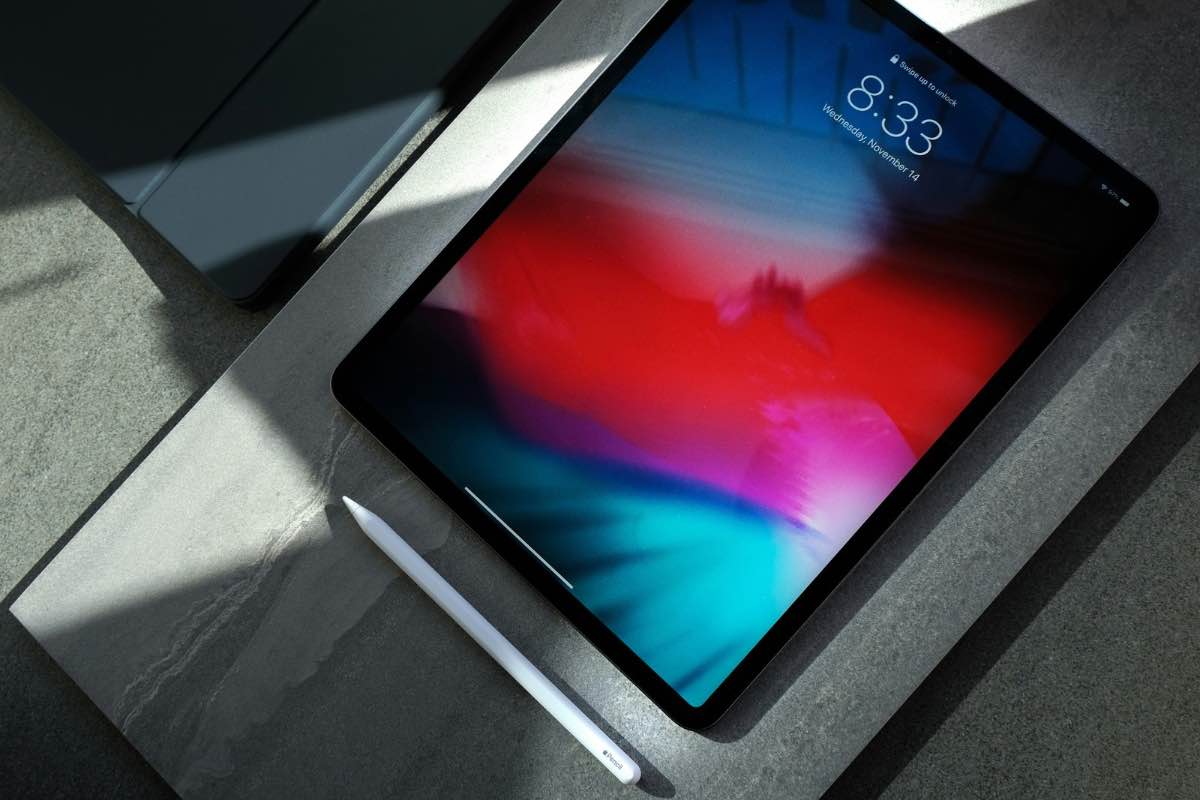

Handwritten notes and digital study tools can now work comfortably on the same device. Modern tablets support lectures, PDF annotation, research, drawing, and assignments while remaining easier to carry than many laptops.
The best tablet for students with pen should combine a responsive writing experience with reliable performance, strong battery life, and a reasonable overall cost. The 10 options below range from budget-friendly note-taking tablets to powerful models built for demanding coursework.
1. What Is the Best Tablet for Students With Pen?
The Samsung Galaxy Tab S10 FE is a strong all-around tablet for students who need a pen, while the Apple iPad Air suits creative work and the Surface Pro handles Windows-based coursework.
When considering which tablet is best for students with pen support, compare writing features, compatibility, and total cost.
| Tablet | Pen support | Best for |
| Samsung Galaxy Tab S10 FE | S Pen included | Best overall balance |
| Apple iPad Air | Apple Pencil support | Creative students |
| Samsung Galaxy Tab S6 Lite | S Pen included | Budget note-taking |
| Apple iPad (A16) | Apple Pencil support | Everyday studying |
| Samsung Galaxy Tab S11 | S Pen support | Premium Android experience |
| Apple iPad Pro | Apple Pencil Pro support | Design and demanding coursework |
| Microsoft Surface Pro | Surface Slim Pen support | Laptop-style productivity |
| Kindle Scribe | Pen included | Reading and handwritten notes |
| OnePlus Pad 3 | Stylo support | Android multitasking |
| Apple iPad mini | Apple Pencil Pro support | Maximum portability |
1.1. Samsung Galaxy Tab S10 FE – Best Overall
The Samsung Galaxy Tab S10 FE combines a 10.9-inch display with an included S Pen for handwritten notes, PDF annotation, and diagrams. It’s a practical choice for everyday studying without paying extra for a stylus.
1.2. Apple iPad Air – Best for Creative Students
The Apple iPad Air handles note-taking, illustration, and demanding creative apps. Its Apple Pencil support makes it useful for design and digital artwork, although the stylus costs extra. It’s particularly suitable for students balancing coursework with creative projects.
1.3. Samsung Galaxy Tab S6 Lite – Best Budget Pick
The Samsung Galaxy Tab S6 Lite offers affordable digital note-taking with an included S Pen. It handles handwriting, document annotation, and basic schoolwork, but its modest performance makes it less suitable for demanding applications.
1.4. Apple iPad (A16) – Best Everyday iPad
The Apple iPad (A16) provides an 11-inch display for digital textbooks, online classes, and everyday assignments. It supports the Apple Pencil (USB-C) and first-generation Apple Pencil, making it a versatile option for students who prefer Apple’s app ecosystem.
1.5. Samsung Galaxy Tab S11 – Best Premium Android Pick
The Samsung Galaxy Tab S11 is a strong contender for the best tablet for students with pen support, featuring an 11-inch AMOLED display, an included S Pen, and Samsung DeX for multitasking. It handles research, handwritten notes, and productivity apps smoothly, although its premium price may be unnecessary for basic studying.
1.6. Apple iPad Pro – Best for Demanding Creative Work
The Apple iPad Pro is designed for advanced illustration, video editing, and design coursework. Its high-end display and Apple Pencil Pro compatibility support detailed creative work, but the price is difficult to justify for students who primarily take notes.
1.7. Microsoft Surface Pro – Best Laptop Alternative
The Microsoft Surface Pro runs Windows applications, making it useful for students who need desktop software alongside digital handwriting. A compatible Surface Slim Pen supports note-taking and annotation, while the optional keyboard improves productivity. Both accessories may increase the total cost.
1.8. Kindle Scribe – Best for Reading and Focused Notes
The Kindle Scribe combines an E Ink display with an included pen for reading, handwriting, and annotating supported documents. Its distraction-free design suits reading-heavy coursework, but limited app support makes it less versatile than a conventional tablet.
1.9. OnePlus Pad 3 – Best for Android Multitasking
The OnePlus Pad 3 offers a large display for split-screen studying, research, and productivity apps. Compatible Stylo support adds handwriting and drawing capabilities. However, students should account for the additional stylus cost when comparing alternatives.
1.10. Apple iPad mini – Best Compact Option
The Apple iPad mini combines an 8.3-inch display with Apple Pencil Pro support, making it convenient for quick notes and reading between classes. Its portability is appealing, although the smaller screen offers less writing space than larger tablets.
>>> Read More: Best Tablet for Seniors: 5 Easy-to-Use Picks for Different Needs
2. How to Choose the Best Tablet With Pen for Students
The best tablet for students with pen support should offer responsive handwriting, comfortable screen size, and reliable battery life at a reasonable total cost. Consider these factors before buying.
- Stylus Quality and Note-Taking Features
Look for accurate handwriting, palm rejection, PDF annotation, and note-taking apps. Check whether the stylus is included or sold separately, as compatibility and features vary by model.
- Screen Size, Battery Life, and Performance
A 10–12-inch screen generally balances writing space and portability. Choose a tablet with enough battery life for classes, sufficient storage for study materials, and smooth performance for everyday multitasking.
- Price and Student Budget
Compare the combined cost of the tablet, stylus, and optional keyboard. Budget-friendly or older-generation models may handle everyday schoolwork well. Check for available student discounts before purchasing.
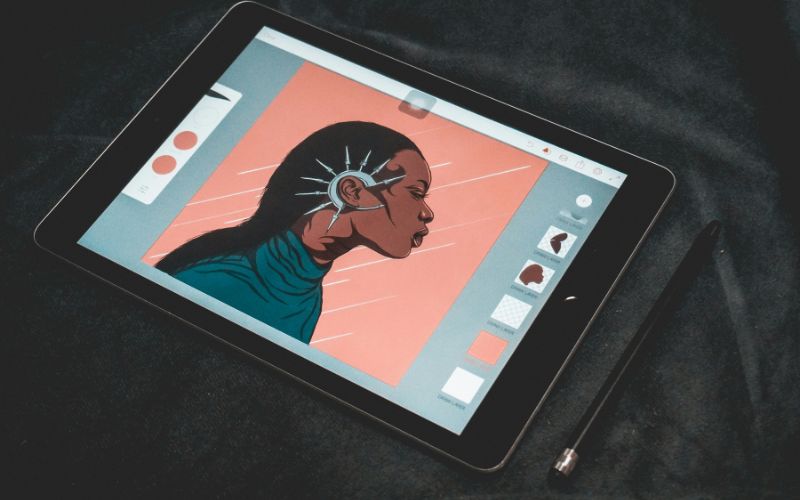
3. Tablet With Pen vs. Laptop: Which Is Better for Students?
Finding the best tablet for students with pen support is only part of the decision. Before buying, consider whether a tablet can handle your coursework or if a laptop would better suit your academic needs.
| Feature | Tablet With Pen | Laptop |
| Handwritten notes | Excellent | Limited |
| PDF annotation | Excellent | Good |
| Portability | Excellent | Good |
| Long-form typing | Good with keyboard | Excellent |
| Drawing and diagrams | Excellent | Limited |
| Desktop software | More limited | Excellent |
| Coding and complex tasks | Less suitable | Better |
| Best for | Notes, reading, creative work | Essays, coding, advanced coursework |
Which should you choose?
A tablet with pen support suits students who prioritize handwriting and portability. A laptop is usually more practical for software-heavy courses, although a Windows 2-in-1 can offer both experiences.
4. What If a New Study Setup Isn’t in the Budget?
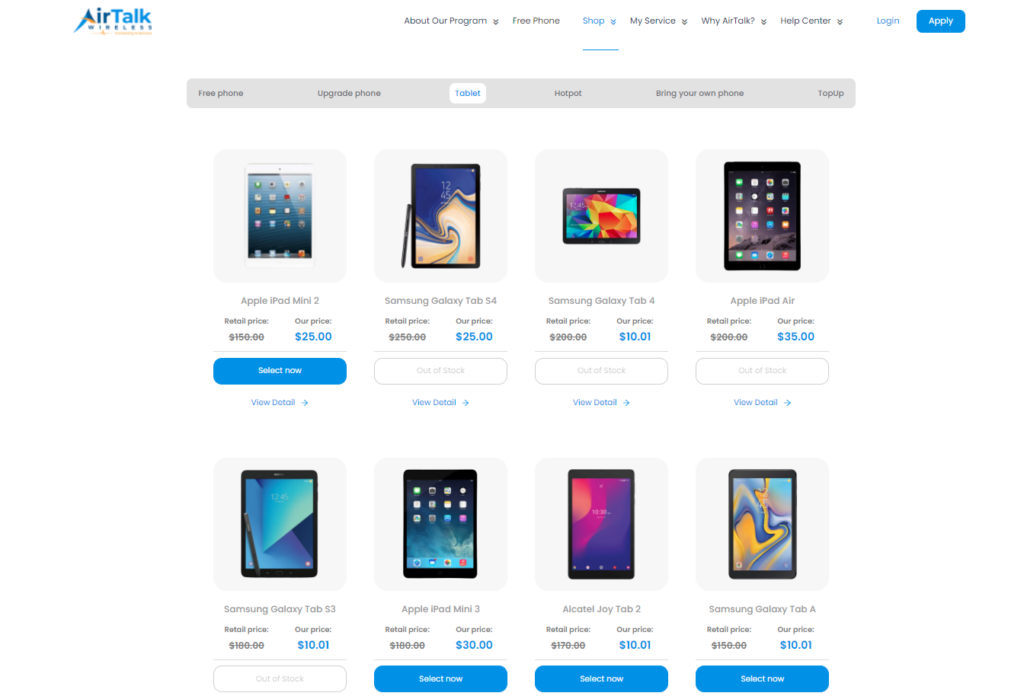
Students on a tight budget don’t always need an expensive tablet for everyday coursework. Eligible low-income households may find affordable options through AirTalk Wireless, a provider of Lifeline-supported wireless services.
The federal Lifeline Program helps qualifying households reduce monthly phone or internet service costs. AirTalk also offers discounted devices through separate promotions, with options such as:
- Apple iPad 7: Supports Apple Pencil (1st generation) for handwritten notes and PDF annotation.
- Clovertek G17: Suitable for digital textbooks, browsing, and basic learning apps.
- TCL TAB 8 LE: A portable option for reading, online research, and everyday communication.
- ASUS ZenPad Z10: Features a 9.7-inch display for reading, research, and online lectures.
- Samsung Galaxy Tab E: A practical option for basic assignments, browsing, and educational content.
Not all tablets support active styluses. Check compatibility, pricing, and availability before choosing.
Students who qualify through SNAP, Medicaid, SSI, or household income can explore available offers at AirTalk Wireless.
5. FAQs
Does an iPad come with an Apple Pencil?
No, Apple Pencil is generally sold separately from the iPad. Before purchasing one, check your exact iPad model because Apple Pencil compatibility varies across generations and models.
Which Samsung tablet comes with an S Pen?
Several Samsung Galaxy Tab models include an S Pen in the box, including select Galaxy Tab S, S FE, and S Lite devices. Always check the specifications and package contents for the exact model and market before purchasing.
Can a tablet replace a laptop for college?
Yes, a tablet can replace a laptop for students who mainly take notes, read textbooks, research online, attend virtual classes, and use common productivity apps. A laptop may still be better for coding, advanced spreadsheets, specialized desktop software, or assignments requiring extensive typing.
How much storage does a student tablet need?
For most students, 128GB offers a practical balance for notes, PDFs, textbooks, apps, and everyday school files. Consider 256GB or more if you regularly store large videos, creative projects, offline course materials, or other storage-intensive files.
6. Final Thoughts
Digital note-taking feels more natural when your device fits the way you study. The best tablet for students with pen should offer responsive handwriting, reliable performance, solid battery life, and enough storage for everyday coursework.
Compare stylus costs, portability, and academic needs before making your choice. For more practical tablet advice, comparisons, and buying guides, explore Zeo Learn.