

Comfort, clarity, and simplicity matter more than flashy specs when choosing a tablet for an older adult. Finding the best tablet for seniors means comparing screen size, readability, battery life, accessibility tools, video-call quality, and ease of navigation.
Different models suit different needs, from entertainment and family calls to reading, health apps, and everyday browsing. Zeo Learn breaks down practical options without overcomplicating the choice.
What Makes a Tablet Good for Seniors?
Senior-friendly tablets should feel easy to read, hold, and navigate from the first day. When comparing which tablet is best for seniors, focus on a few practical features rather than chasing the highest specifications.
- Large, bright display with adjustable text size
- Simple interface and easy-to-find settings
- Strong battery life for all-day use
- Good front camera and speakers for video calls
- Accessibility tools such as voice control and screen magnification
- Comfortable weight and manageable screen size
- Reliable app support for health, communication, and entertainment
Top 5 Best Tablets for Seniors
Ease of use matters more than chasing the newest hardware. When comparing what is the best tablet to buy for seniors, focus on readable screens, simple controls, video calling, dependable battery life, and whether the interface matches the user’s comfort level.
Apple iPad
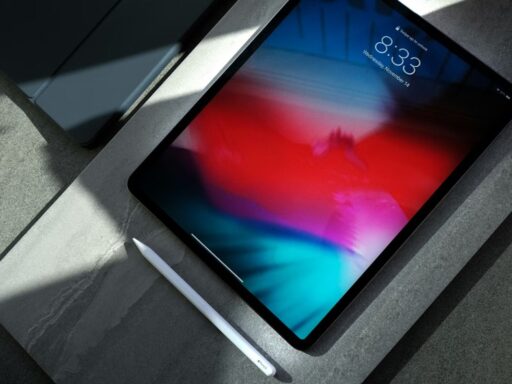
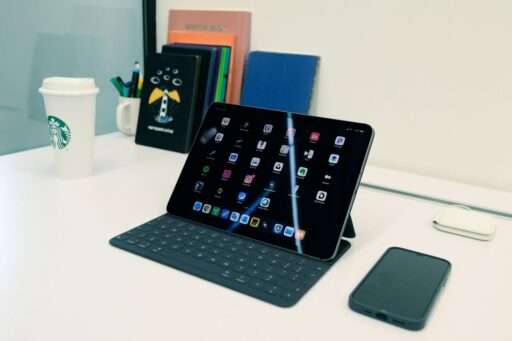
The Apple iPad remains a strong choice for seniors who want a clean interface, accessibility tools, FaceTime, and broad app support. AirTalk Wireless currently lists the iPad 7 among its discounted tablet options, making it worth checking for eligible users seeking a lower-cost Apple device.
GrandPad
GrandPad is built specifically with older adults in mind, offering simplified controls, large icons, family communication tools, games, and remote customization. Its private family network and senior-focused support can be especially useful for users who prefer fewer menus and less setup complexity.
Samsung Galaxy Tab
Samsung Galaxy Tab models combine Android flexibility with clear displays, familiar apps, and accessibility settings. AirTalk Wireless currently lists the Galaxy Tab E as a discounted option, giving eligible customers another route to an affordable tablet for browsing, video calls, reading, and entertainment.
Amazon Fire HD
Amazon Fire HD tablets are practical for seniors mainly interested in streaming, reading, video calls, and light browsing. Current models such as Fire HD 8 and Fire HD 10 offer straightforward interfaces, long battery life, and affordable pricing compared with many premium tablets.
Lenovo Tab
Lenovo Tab devices are useful for seniors who want Android access without moving into premium pricing. Many models emphasize large displays, simple entertainment features, and everyday performance for browsing, email, video, and reading, making them a flexible middle-ground option for routine use.
iPad vs Android Tablet for Seniors: Which Is Easier to Use?
Ease of use depends on what the senior already knows and which devices they use at home. When comparing what tablet is best for seniors, iPads usually offer a more consistent interface, while Android tablets provide broader price choices and more customization.
| Feature | iPad | Android Tablet |
| Interface | Consistent and simple across models | Varies by brand and interface |
| Setup | Straightforward, especially with an iPhone | Easy, but menus differ by manufacturer |
| Accessibility | Strong built-in accessibility tools | Strong options, but layout varies |
| Apps | Large, well-optimized app selection | Broad app choice through Google Play |
| Price | Usually mid-range to premium | Wider range from budget to premium |
| Customization | More controlled | More flexible |
| Best For | Users who value simplicity and Apple integration | Users who want choice, lower prices, or more control |
For many beginners, iPad may feel more predictable, while Android can be better when budget flexibility matters most.
>>> Read More: Free iPhone for Seniors: How to Get One in 2026
How to Choose the Right Tablet for an Older Adult
Choosing the best tablet for seniors starts with identifying what the device will be used for most often. Video calls, reading, entertainment, and first-time use each require a slightly different mix of screen quality, audio, battery life, and simplicity.
- For Video Calls
Choose a tablet with a clear front camera, good speakers, and simple access to apps such as FaceTime, Zoom, or Google Meet.
- For Reading
A larger screen, adjustable text size, and easy brightness controls can make books, emails, and websites more comfortable to read.
- For Entertainment
Prioritize a bright display, clear speakers, enough storage, and good battery life for streaming, music, games, and photos.
- For Beginners
Look for simple menus, large icons, easy-to-find settings, and a straightforward setup. Fewer unnecessary apps can also make the tablet less confusing for first-time users.
Need an Affordable Tablet? Eligible Seniors May Qualify for Tablet Offers Through AirTalk Wireless
Once you know which features matter most, cost is another important factor when choosing a tablet for a senior. Eligible low-income households may qualify for Lifeline, which can reduce the monthly cost of qualifying phone or internet service. Participating providers may also offer separate device promotions.
AirTalk Wireless is one example of a provider that offers Lifeline-supported service and discounted tablet options to eligible customers. Available models, prices, and device offers can vary by location and inventory.
A typical application process includes:
- Check eligibility: Qualify for Lifeline through household income or a participating program such as SNAP, Medicaid, or SSI.
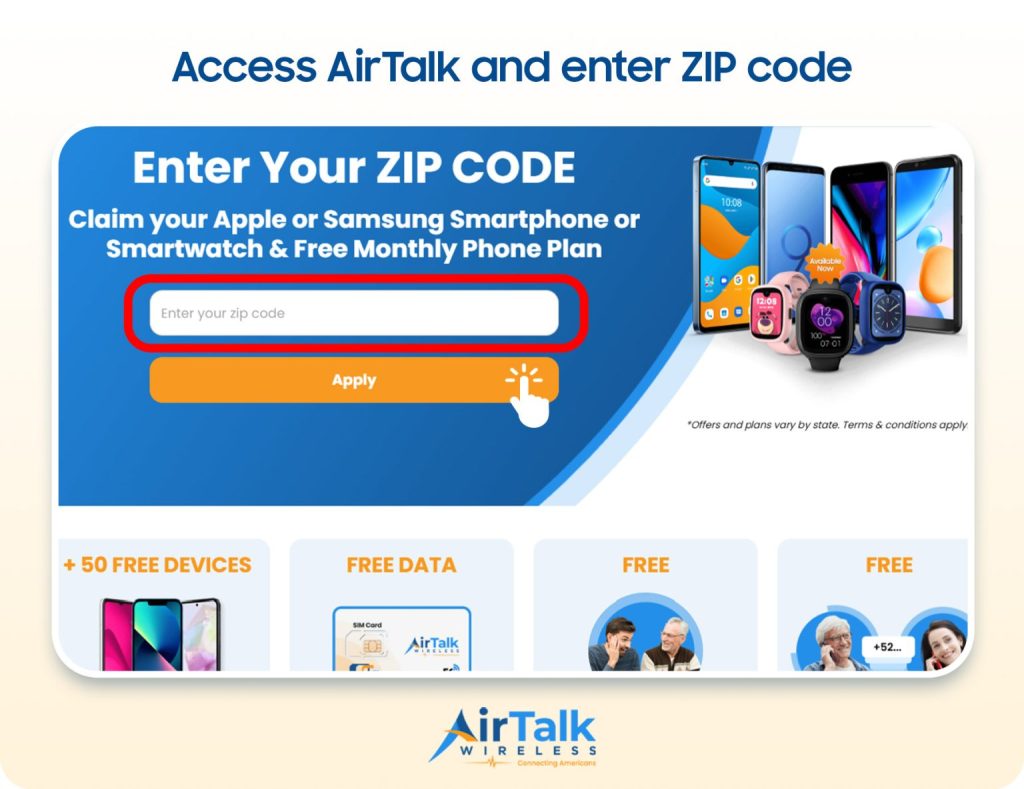
- Enter your ZIP code: Confirm service availability and see current plans and device offers.
- Review tablet options: Compare available models, prices, device condition, screen size, and portability.
- Complete the application: Provide the requested personal and eligibility information and any supporting documents.
- Check the final cost: Review any applicable device charge or co-pay before submitting.
- Follow the next steps: After approval, follow the provider’s instructions for shipping and service activation.
>>> You might be interested in: What’s the Difference Between an iPad and a Tablet? 9 Key Differences Explained
6. FAQs
What is the simplest tablet to use?
GrandPad is designed specifically for older adults and offers large icons, simplified menus, and straightforward communication features. iPads can also be easy to use, especially for seniors already familiar with an iPhone or other Apple devices.
Which is better for seniors, a laptop or an iPad?
An iPad is usually easier for browsing, video calls, reading, and entertainment because it is lighter and more touch-friendly. A laptop may be better when the user needs a physical keyboard, advanced file management, or desktop software.
What is the best tablet for seniors who don’t have internet access?
Look for a tablet with cellular connectivity if home Wi-Fi is unavailable. LTE- or 5G-capable models can access mobile data through a compatible service plan, while Wi-Fi-only tablets will need a hotspot or another internet connection.
What device is best for seniors?
The right device depends on the senior’s needs and comfort level. Tablets are often a practical choice for video calls, reading, streaming, and basic apps, while smartphones or laptops may be better for portability or more demanding productivity tasks.
7. Final Thoughts
The right tablet can make everyday tasks like video calling, reading, browsing, and entertainment much easier for older adults. When choosing the best tablet for seniors, consider screen size, ease of use, accessibility features, battery life, and budget rather than focusing on one brand alone.
Matching these features to individual needs can help narrow down the options. Explore Zeo Learn for more practical tablet comparisons and buying guides.