
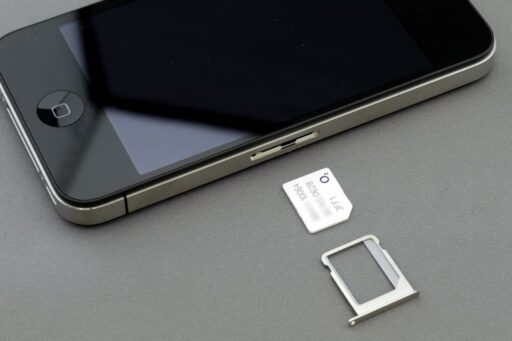
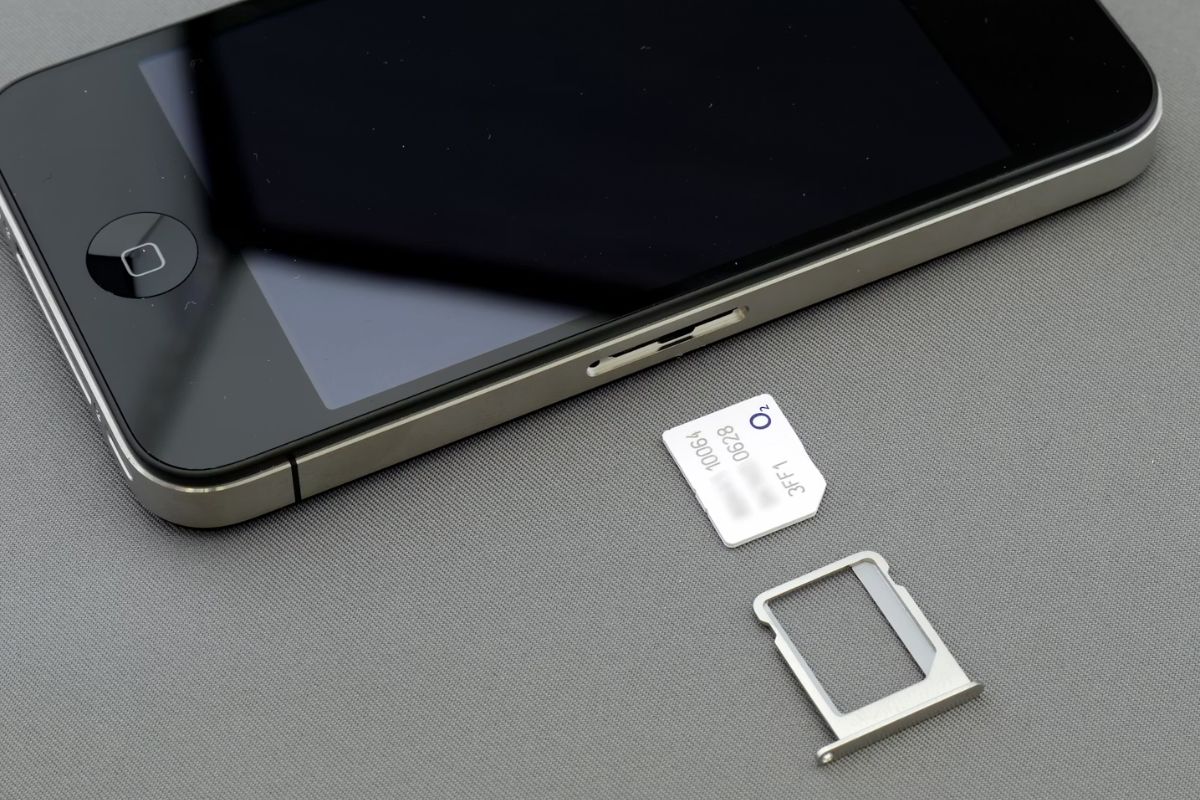

A SIM free iPhone gives you something most locked devices don’t: complete control over your mobile experience. You can choose any carrier, switch plans anytime, and avoid long-term contracts that limit flexibility.
In 2026, more buyers are prioritizing freedom over bundled deals, especially as eSIM and global travel become more common. But getting a SIM free for iPhone the smart way means knowing where to buy, how to avoid overpaying, and which options offer the best long-term value.
What is SIM Free iPhone?
A SIM iPhone is an unlocked device that works with any compatible carrier, giving you full flexibility.
Physical SIM vs eSIM in modern iPhones
Both options work well, but they offer different levels of convenience and flexibility depending on how you use your phone.
- Physical SIM (traditional card)
This is the small card you insert into your phone. It’s simple to use and easy to swap between devices. If you change phones often or prefer something tangible, this option feels more familiar and flexible.
- eSIM (built-in digital SIM)
eSIM is embedded inside the phone and activated through software. There’s no need to insert or remove anything. It’s especially useful for switching carriers quickly or using multiple plans on one device, such as for travel or work.
- Choosing between the two
Most modern iPhones support both, so the choice depends on how you use your phone. If you value convenience and flexibility, eSIM stands out. If you prefer simplicity, a physical SIM free iPhone still works well.
Why SIM compatibility matters before buying
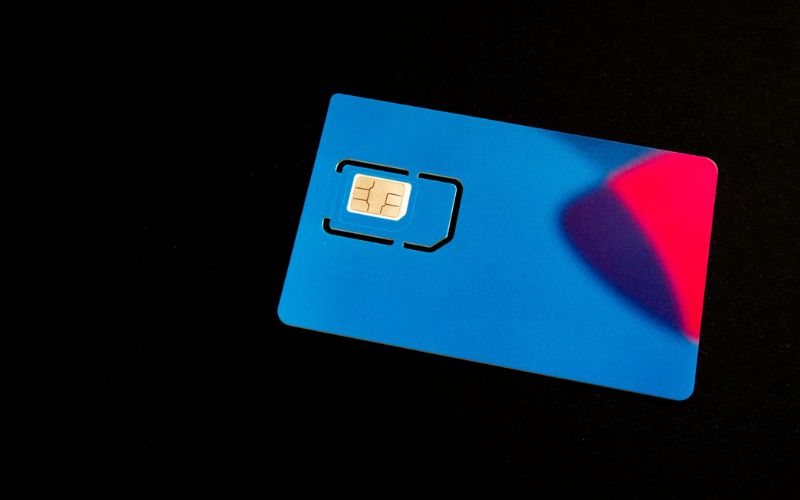
In simple terms, not every phone works perfectly with every carrier, so checking compatibility helps you avoid issues before they happen.
- Network compatibility is not automatic
Even if a phone is unlocked, it still needs to support your carrier’s network bands. Without this, you may experience weak signals or limited features.
- Carrier support varies by region
Some networks perform better with specific models. Checking compatibility ensures you get the best performance where you live.
- Avoid unexpected limitations
A quick compatibility check can prevent issues like missing 4G/5G support or call problems. It’s a small step that saves time and avoids frustration later.
>>> Read more: How Can I Get a Free iPhone: Smart Paths Actually Work 2026
SIM Free iPhone vs Locked iPhone
One gives you full freedom, the other limits your choices. An iPhone without contract lets you use any compatible carrier, while a locked iPhone ties you to a specific network at least for a period of time.
| Feature | SIM Free iPhone | Locked iPhone |
| Carrier flexibility | Works with any compatible carrier | Restricted to one carrier |
| Contract requirement | No contract required | Often tied to a contract or plan |
| Switching networks | Easy to switch anytime | Limited until unlocked |
| Upfront cost | Usually higher upfront | Often lower upfront (bundled deals) |
| Long-term cost | More control over spending | May cost more over time due to plan |
| Travel use | Can use local SIM or eSIM easily | May not work with other networks |
| Control & ownership | Full control from the start | Limited until device is unlocked |
Where SIM Free iPhone Options Come From
You can find a carrier-unlocked iPhone from multiple sources, but each option comes with different trade-offs in cost, reliability, and flexibility.
Direct purchase from official retailers
Buying directly from Apple or authorized retailers is the most reliable way to get a SIM free for iPhone. These devices are fully unlocked from the start and come with manufacturer warranty, ensuring both quality and long-term support.
Refurbished and certified market
The refurbished market offers a more budget-friendly way to own a free SIM iPhone. These devices are pre-owned but professionally inspected, repaired if needed, and tested to ensure proper performance. Many are sold unlocked, making them a practical alternative to new devices.
Promotional options
Promotional offers are another way people come across iPhones at low or no upfront cost. These deals are often tied to service plans or special campaigns from providers.
However, not all promotional devices are truly SIM free. While they may require no contract or have low cost, many are locked to a specific network. This means you gain affordability but lose flexibility.
How to Get a Free iPhone with SIM card
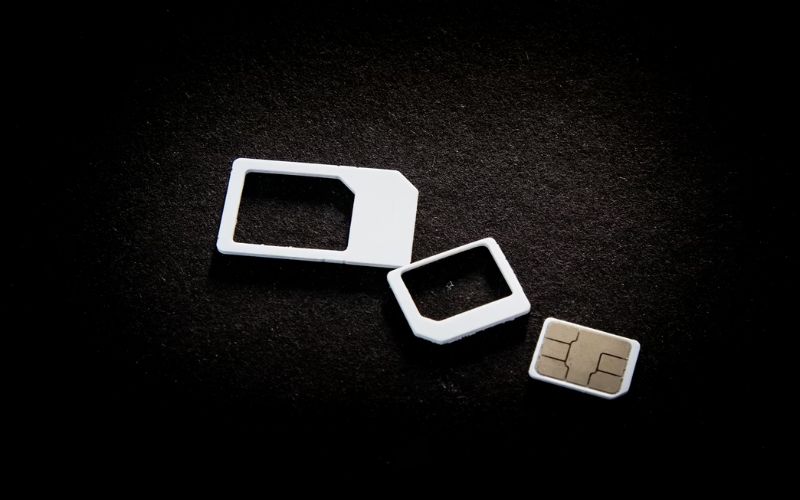
If a fully unlocked device is not available, you can still use a SIM-based solution that fits your needs.
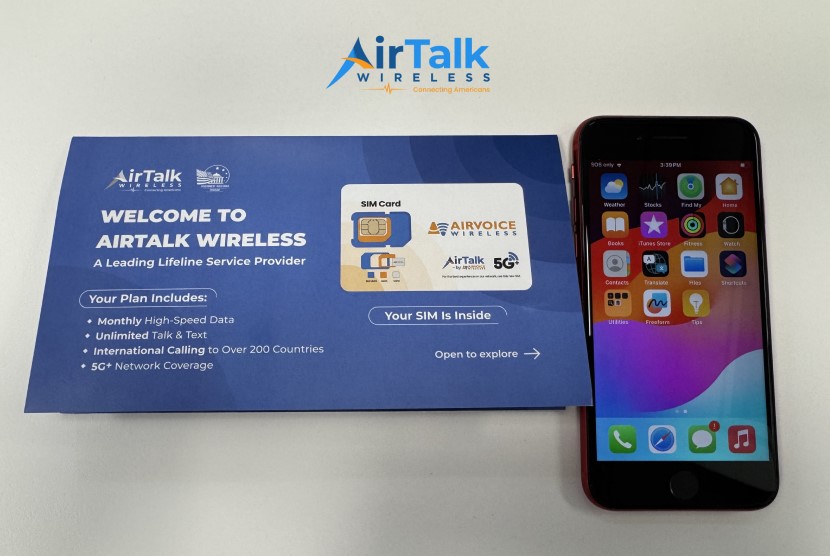
Although programs like AirTalk Wireless do not provide a SIM free iPhone, they offer a practical alternative for users who want to save money while staying connected.
Step 1: Check your iPhone is unlocked
Before using any SIM, confirm whether your device is unlocked. You can do this in your settings or by contacting your provider.
Step 2: Choose a Lifeline provider
The Lifeline program offers plans in your area. This is where affordability comes in, especially if you qualify for assistance programs. Even if the device is not a SIM free iPhone, it can still meet your daily needs at a lower cost.
Step 3: Enter your ZIP code
This step shows what services and devices are available near you. Availability varies by location, so this helps you see real options instead of assumptions.
Step 4: Choose a plan and device
Select a plan that fits your needs, then choose a device from the available options or bring your own compatible phone. AirTalk also supports eSIM, allowing you to activate service digitally without needing a physical SIM card.
Step 5: Submit your application
Provide your information and required documents to confirm eligibility. Accuracy here helps speed up approval.
Step 6: Receive and activate your SIM
Once approved, you’ll receive your SIM card and device. After activation, your phone is ready to use. While this setup may not be a true SIM free iPhone, it offers a practical solution for staying connected without high costs.
>>> Read more: Free iPad: Real Ways to Get One Without Wasting Time 2026
5. FAQs
Can you use eSIM on a sim free iPhone?
Yes. A SIM free iPhone fully supports eSIM, which lets you activate a mobile plan digitally without inserting a physical SIM card. This is especially useful for switching carriers quickly, using multiple plans, or traveling internationally without changing SIMs.
How do you check if an iPhone is truly sim free?
You can check by going to Settings > General > About and looking for the “Carrier Lock” status. If it says “No SIM restrictions,” the device is unlocked. You can also insert a SIM card from another carrier to confirm it works properly.
Can you get a free sim card for your iPhone?
Yes. Many carriers like AirTalk offer free SIM cards when you sign up for a new plan, especially during promotions or through assistance programs. In some cases, activation fees may still apply, but the SIM itself is often provided at no cost.
Final Thoughts
A SIM free for iPhone is ultimately about flexibility, control, and long-term value. Instead of being tied to a single carrier or contract, you can choose the plan that fits your needs and switch whenever it makes sense. While the upfront cost may be higher, the freedom and potential savings over time often make it worthwhile.
The key is knowing where to buy and what to expect, whether you go through official retailers, the refurbished market, or alternative programs. With the right approach, getting a SIM free iPhone in 2026 is not only possible, but a smart move for anyone who values independence and convenience.