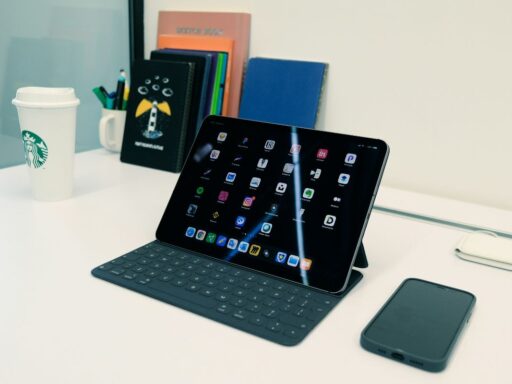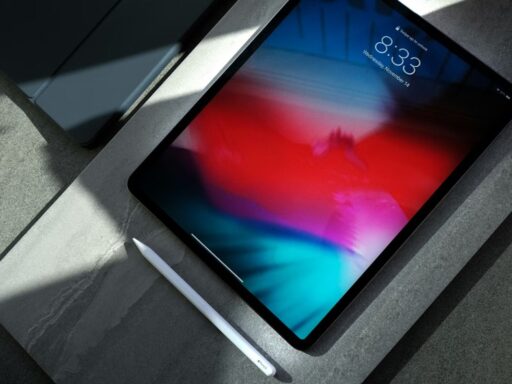

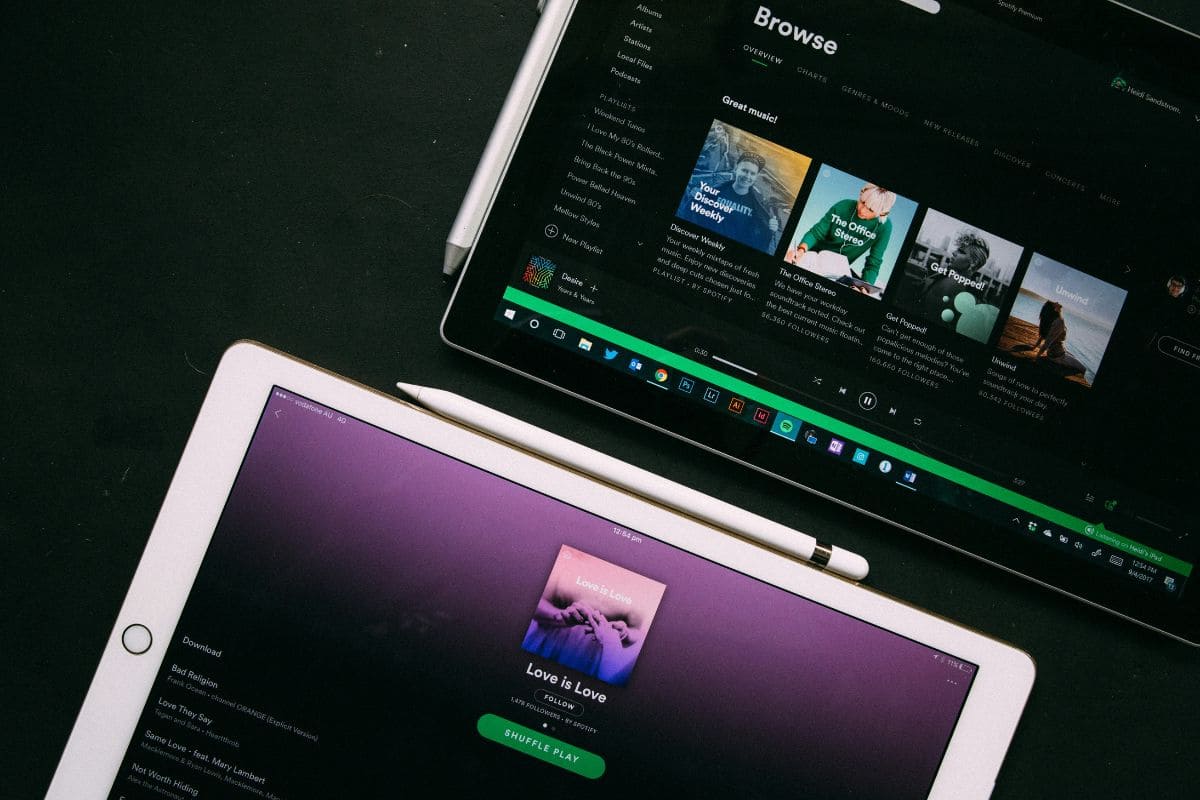

Tablet assistance looks different in 2026 because the Affordable Connectivity Program is no longer available. If you are asking where can I get a free government tablet, current options may include Lifeline providers, schools, libraries, nonprofits, and local digital-inclusion programs rather than one nationwide tablet benefit.
Zeo Learn explains where to look, what eligibility may involve, and which offers deserve closer attention.
Can You Really Get a Free Government Tablet in 2026?
Yes, free or discounted tablets may be available in 2026, but there is no nationwide federal program that guarantees every eligible household a free tablet.
The Affordable Connectivity Program (ACP), which previously offered a one-time discount toward a connected device, ended on June 1, 2024 after its funding was exhausted.
Lifeline is still available in 2026, but its federal benefit is primarily a monthly discount on qualifying phone or internet service. Some participating providers may offer discounted tablets or other devices separately to eligible customers.
Because these device offers are provider-specific, the tablet model, price, eligibility requirements, and availability can vary by provider, location, and current inventory. Check the provider’s current offer before assuming a tablet will be free.
Where Can I Get a Free Government Tablet?
Several legitimate routes are worth checking if paying full retail price is difficult. Instead of relying on websites promising universal “government tablets,” focus on verified providers and organizations that clearly explain eligibility, pricing, availability, and program terms.
Route 1: Check Current Lifeline Providers
Start with approved Lifeline providers serving your state and compare any device offers attached to eligible service plans. If you are wondering where can I get a free tablet from the government, remember that Lifeline funds the service benefit, while participating companies may separately subsidize devices.
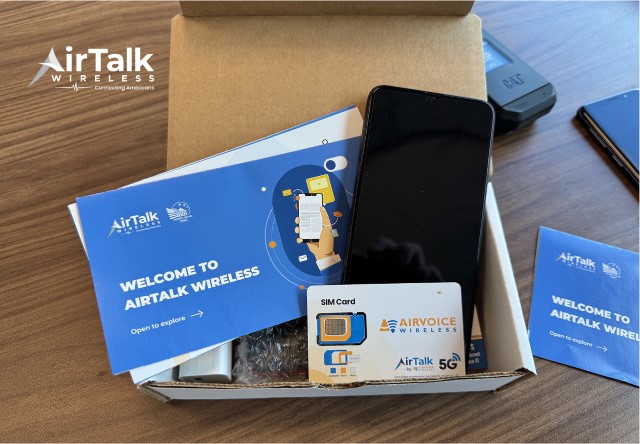
For example, AirTalk Wireless, an American telecommunications provider powered by AirVoice Wireless, provides government-assisted wireless service through the federal Lifeline program. It operates as an Eligible Telecommunications Carrier (ETC) and focuses on helping qualifying low-income consumers stay connected to family, work, education, and essential services.
Route 2: Check State and Local Digital-Inclusion Programs
Cities, counties, and state agencies sometimes fund digital-inclusion projects that distribute devices or offer low-cost technology to qualifying residents. Programs may target seniors, low-income households, job seekers, or underserved communities, so eligibility and device availability can differ widely by location.
Route 3: Ask Schools and School Districts
Schools and districts may provide tablets, Chromebooks, or other devices to enrolled students for classroom and home learning. Some programs allow students to borrow devices for an academic year, while others provide longer-term access based on financial need or district technology policies.
Route 4: Check Public Libraries
Public libraries increasingly support digital access through device-lending programs, technology kits, and hotspot loans. Availability varies by library system, but borrowers may be able to use tablets or laptops for a set period without purchasing the equipment themselves.
Route 5: Look for Nonprofit Device Programs
Nonprofits focused on digital equity may refurbish donated tablets and computers and distribute them at little or no cost. Eligibility can depend on income, student status, disability, veteran status, or participation in community assistance programs, so reviewing each organization’s requirements is essential.
Route 6: Check Community Organizations
Community centers, housing organizations, workforce agencies, faith-based groups, and local charities sometimes partner with technology donors or broadband initiatives. These programs may offer devices directly, provide vouchers, or connect residents with nearby digital-access resources that are not widely advertised online.
>>> Read More: How to Block Websites on Chrome: 4 Easy & Effective Methods
Who Qualifies for a Free Tablet Assistance Program?
Tablet offers tied to Lifeline usually begin with confirming eligibility for the federal service benefit. If you are researching where can I get a free government tablet, these two qualification paths are the most common starting points.
Qualify Through Household Income
You may qualify for Lifeline if your household income is at or below 135% of the Federal Poverty Guidelines. The exact income limit depends on household size and whether you live in the contiguous United States, Alaska, or Hawaii.
Qualify Through a Government Assistance Program
Eligibility can also come through participation in programs such as SNAP, Medicaid, SSI, Federal Public Housing Assistance (FPHA), or Veterans Pension and Survivors Benefit. Certain Tribal assistance programs can qualify residents on eligible Tribal lands as well.

How to Find a Free Government Tablet Near Me?
Where can I get a free government tablet near me depends on your location, eligibility, and current device availability. Start with verified programs and local organizations rather than websites promising guaranteed free tablets.
- Check Lifeline Providers by ZIP Code
Look for Lifeline providers serving your ZIP code and check whether they offer discounted tablets or other devices. Device models, prices, and eligibility can vary by provider and location.
- Search Local Digital-Inclusion Programs
Check your city or county website for digital inclusion, digital equity, device assistance, or technology access programs. These may offer free devices, vouchers, or low-cost equipment to eligible residents.
- Contact Nearby Libraries
Some libraries lend tablets, laptops, or mobile hotspots. Ask about device-lending programs, waiting lists, or partnerships with local organizations that provide technology assistance.
- Ask Schools and Community Centers
School districts, workforce centers, senior programs, housing organizations, and community centers may know about local device programs. Contact them directly because some opportunities have limited funding or inventory.
- Check Nonprofit Device Programs
Digital-equity nonprofits may provide donated or refurbished devices to qualifying households. Before applying, check their service area, eligibility requirements, device condition, and any fees.
How to Apply for a Legitimate Low-Cost Tablet Offer
Once you find a tablet program that fits your situation, check the provider, eligibility rules, service area, and total device cost before applying. A discounted tablet is not necessarily free, and available models and prices can change by location and inventory.
For example, AirTalk Wireless is an Eligible Telecommunications Carrier that offers Lifeline-supported service and separate device promotions. Eligible customers can review available tablet options during enrollment.
To apply for a discounted tablet through AirTalk Wireless:
- Check your eligibility: Qualify through household income or a participating program such as SNAP, Medicaid, SSI, or Federal Public Housing Assistance.
- Enter your ZIP code: Confirm service availability and see which plans and device offers are available in your area.
- Review the tablet options: Compare the available models, prices, and device details before making a selection.
- Complete the application: Provide your personal and eligibility information and submit any documents requested for verification.
- Review the final cost: Check for any device price, one-time charge, or other applicable costs before submitting the order.
- Wait for approval: Once your eligibility and order are confirmed, follow the provider’s instructions for shipping and activation.
Several tablets are currently listed as selectable on AirTalk’s tablet catalog, such as Clovertek G17, Samsung Galaxy Tab E, and ASUS ZenPad Z10.
Prices and inventory can change quickly, so customers should check the AirTalk enrollment page after entering their ZIP code before choosing a model.
6. FAQs
Who’s giving away free tablets?
There is no nationwide federal program currently distributing free tablets to everyone who qualifies for Lifeline. Some Lifeline providers, nonprofits, schools, libraries, and local digital-equity programs may offer free or discounted devices through their own promotions or funding.
How to get a free tablet without paying?
Truly zero-cost tablet offers are limited and usually depend on a specific provider promotion, nonprofit program, school initiative, or local assistance program. Always check whether taxes, activation costs, service requirements, or other conditions apply before assuming the device is completely free.
Will I receive a free government tablet in the USA in 2026?
Not automatically. ACP, which previously included a connected-device discount, ended on June 1, 2024, while Lifeline continues to support qualifying phone or internet service rather than directly subsidizing tablets.
Can I get a free tablet with my EBT card in Florida?
SNAP participation, commonly accessed through an EBT card, can qualify you for Lifeline, including in states where participating providers offer service. However, the EBT card itself does not guarantee a free tablet; any device discount depends on the provider’s current Florida offer, eligibility verification, and inventory.
7. Final Thoughts
Since ACP ended, tablet assistance now depends on Lifeline providers, local programs, schools, libraries, and nonprofits. Searching where can I get a free government tablet should focus on verified offers and current eligibility rules.
Lifeline supports qualifying service, while device discounts usually come from providers or partner programs. For more practical guidance, explore Zeo Learn.